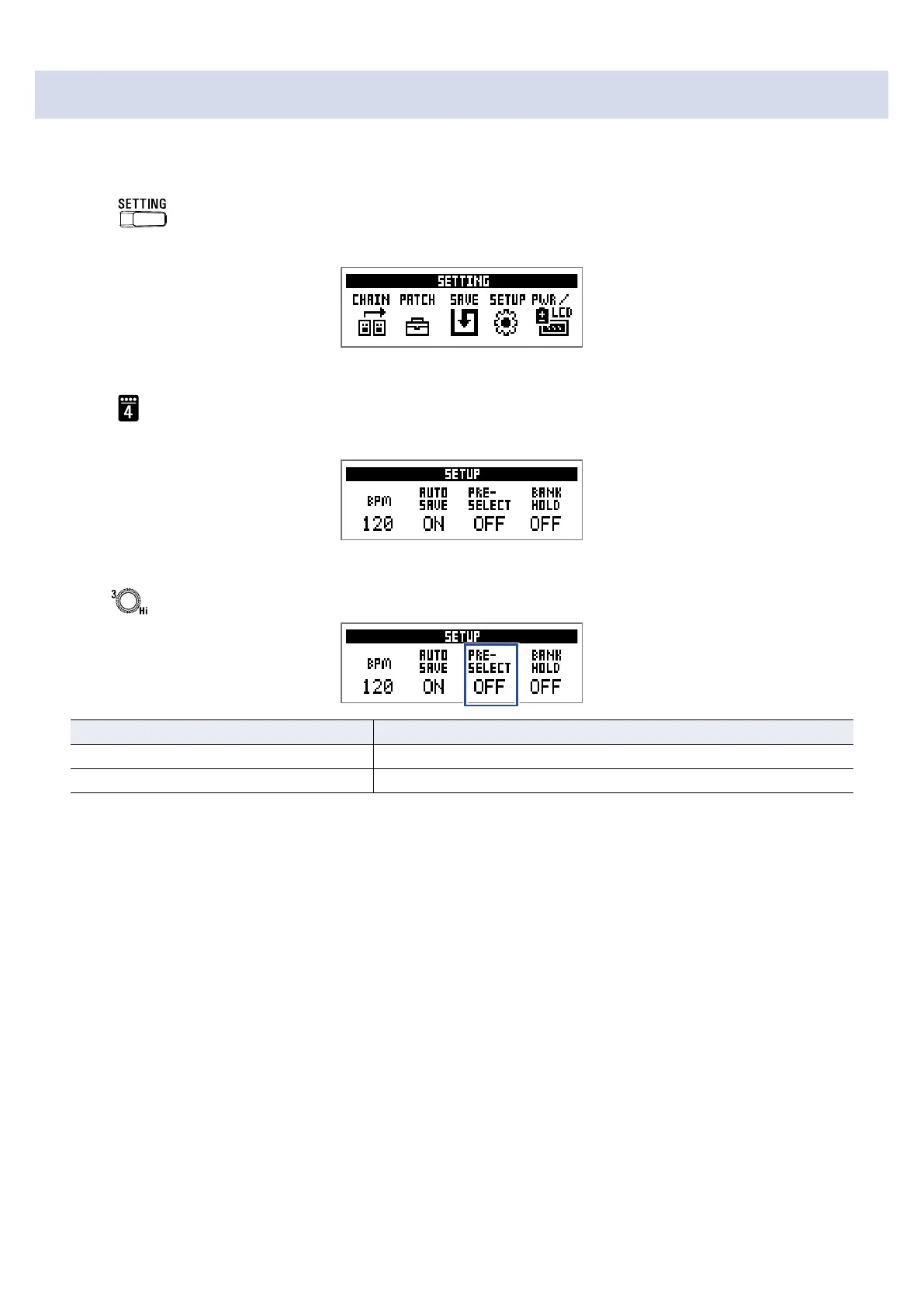
Setting the PRESELECT function
This function can be used to switch to a patch at any location while continuing to use the tone of the cur-
rently selected patch.
1.
Press .
This opens the SETTING screen.
2.
Press .
This opens the SETUP screen.
3.
Turn .
Setting Explanation
ON Use the PRESELECT function.
OFF Do not use the PRESELECT function.
31



 To Next Page