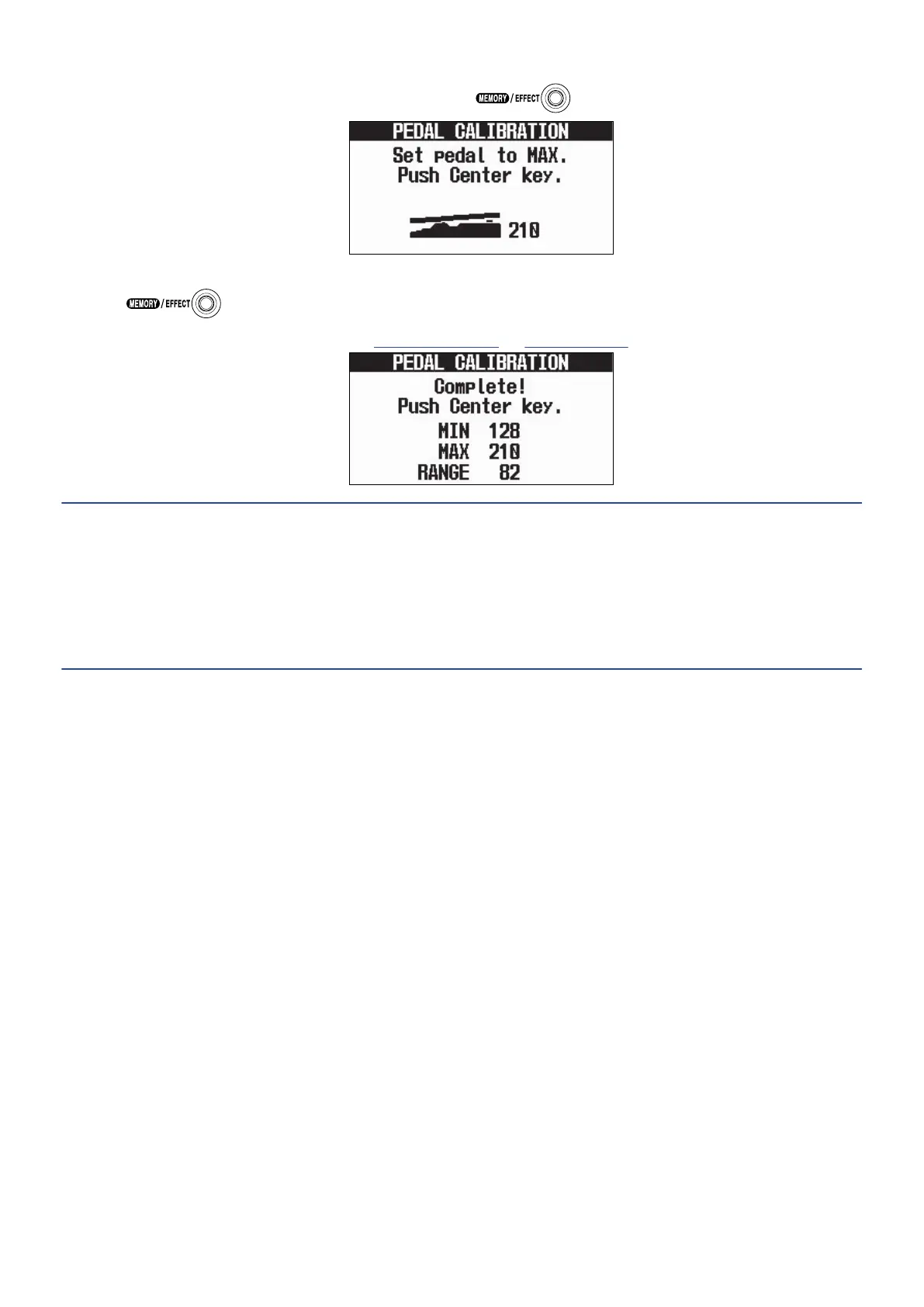
4. When the pedal is in its most pressed state, press .
5. Press .
This completes pedal calibration. The Memory Screen or Effect Screen will open.
HINT:
• Adjust the pedal sensitivity in the following cases.
- Stepping on the pedal has little effect.
- The volume and tone changes greatly even when the pedal is only pressed lightly.
• If “Error!” appears, start calibration again from the beginning.
59



 To Next Page