Setting the ECO mode
This function can be used to turn the power off automatically if unused for 10 hours.
See “Using the MENU Screen” for details about operation.
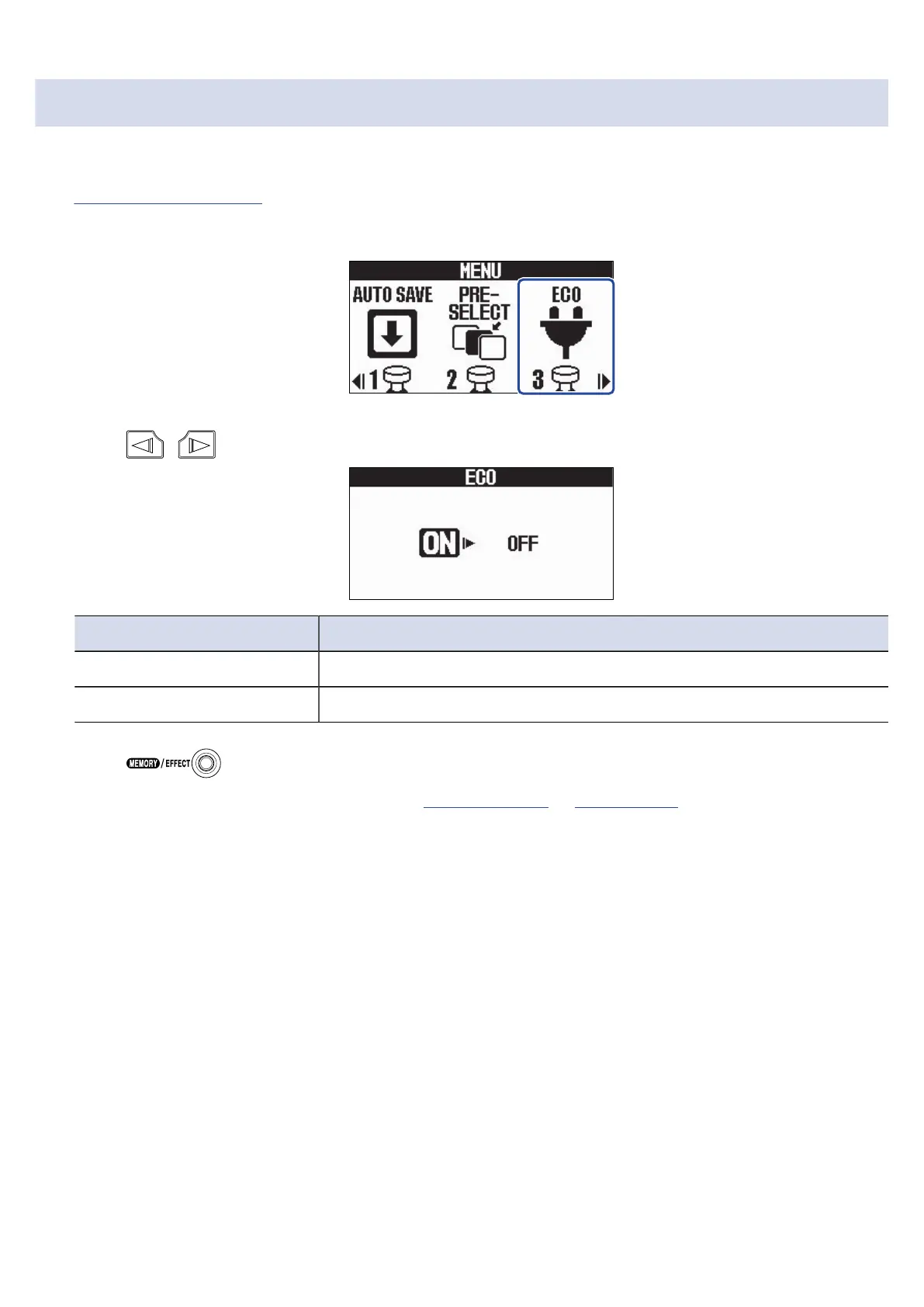
1. Select ECO on the MENU Screen.
2. Press / to turn it ON/OFF.
Setting Explanation
ON The power will automatically turn off if unused for 10 hours.
OFF This disables ECO mode.
3. Press .
This confirms the setting and returns to the Memory Screen or Effect Screen.
81



 To Next Page