Adjusting input levels
The input level used during recording can be adjusted.
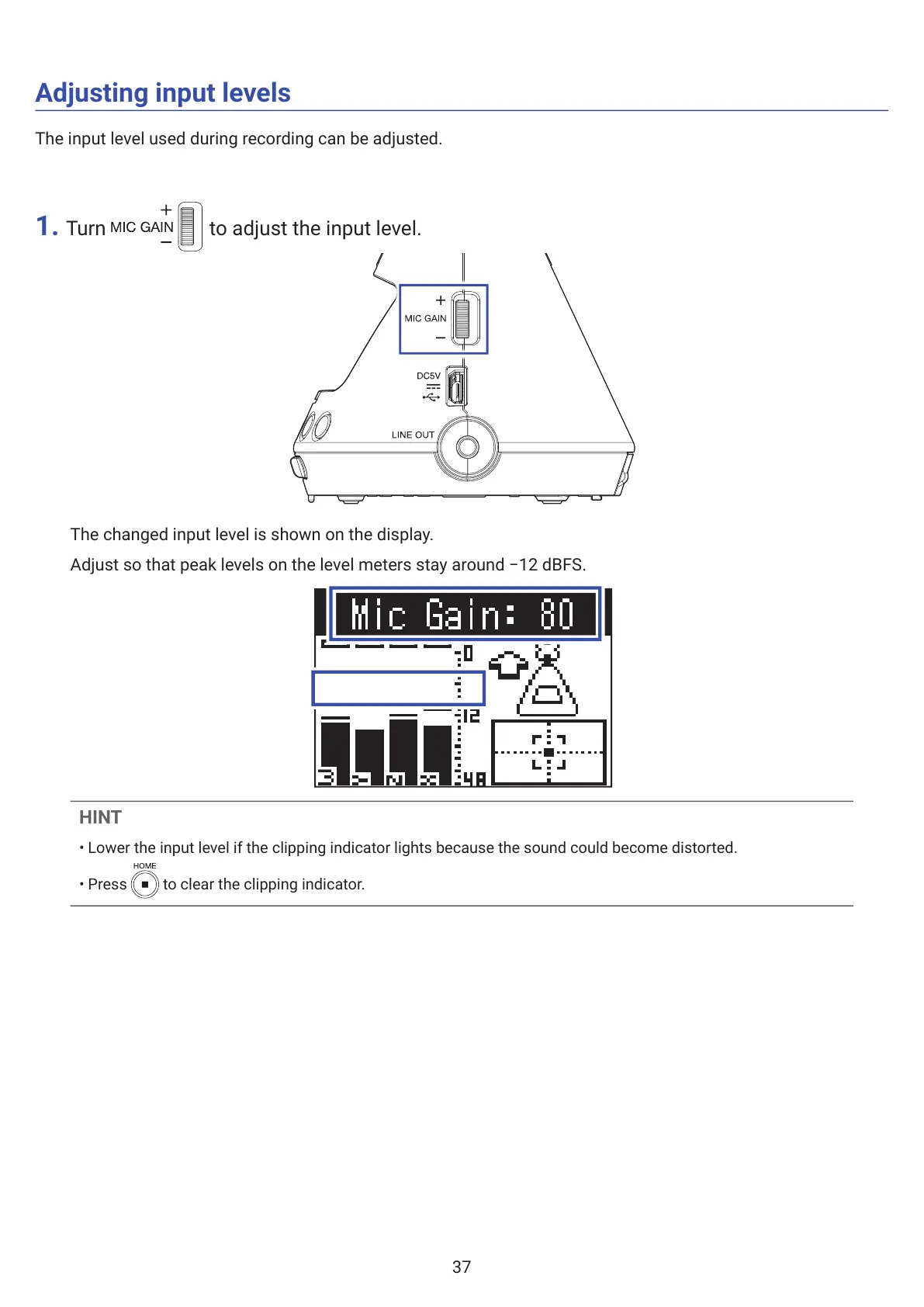
1. Turn to adjust the input level.
The changed input level is shown on the display.
Adjust so that peak levels on the level meters stay around −12 dBFS.
HINT
• Lower the input level if the clipping indicator lights because the sound could become distorted.
• Press to clear the clipping indicator.
37



 To Next Page