Setting the type of batteries used
Set the type of battery used by the to alkaline, Ni-MH or lithium so that the amount of remaining battery
charge can be accurately displayed.
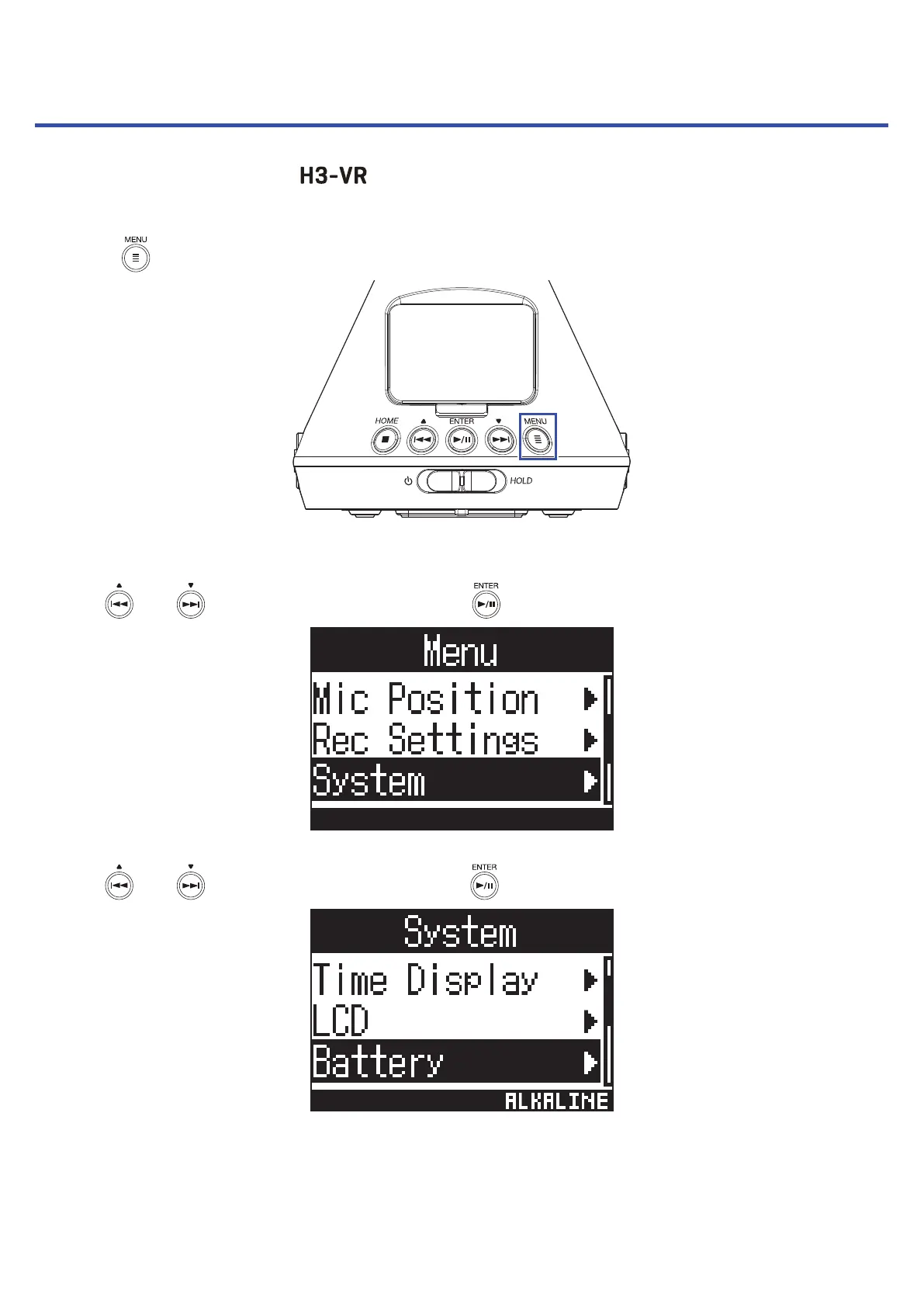
1. Press .
This opens the Menu Screen.
2. Use and to select "System", and press .
3. Use and to select "Battery", and press .
88



 To Next Page