Setting the recording time display
During recording, either the elapsed recording time or the remaining possible recording time can be shown.
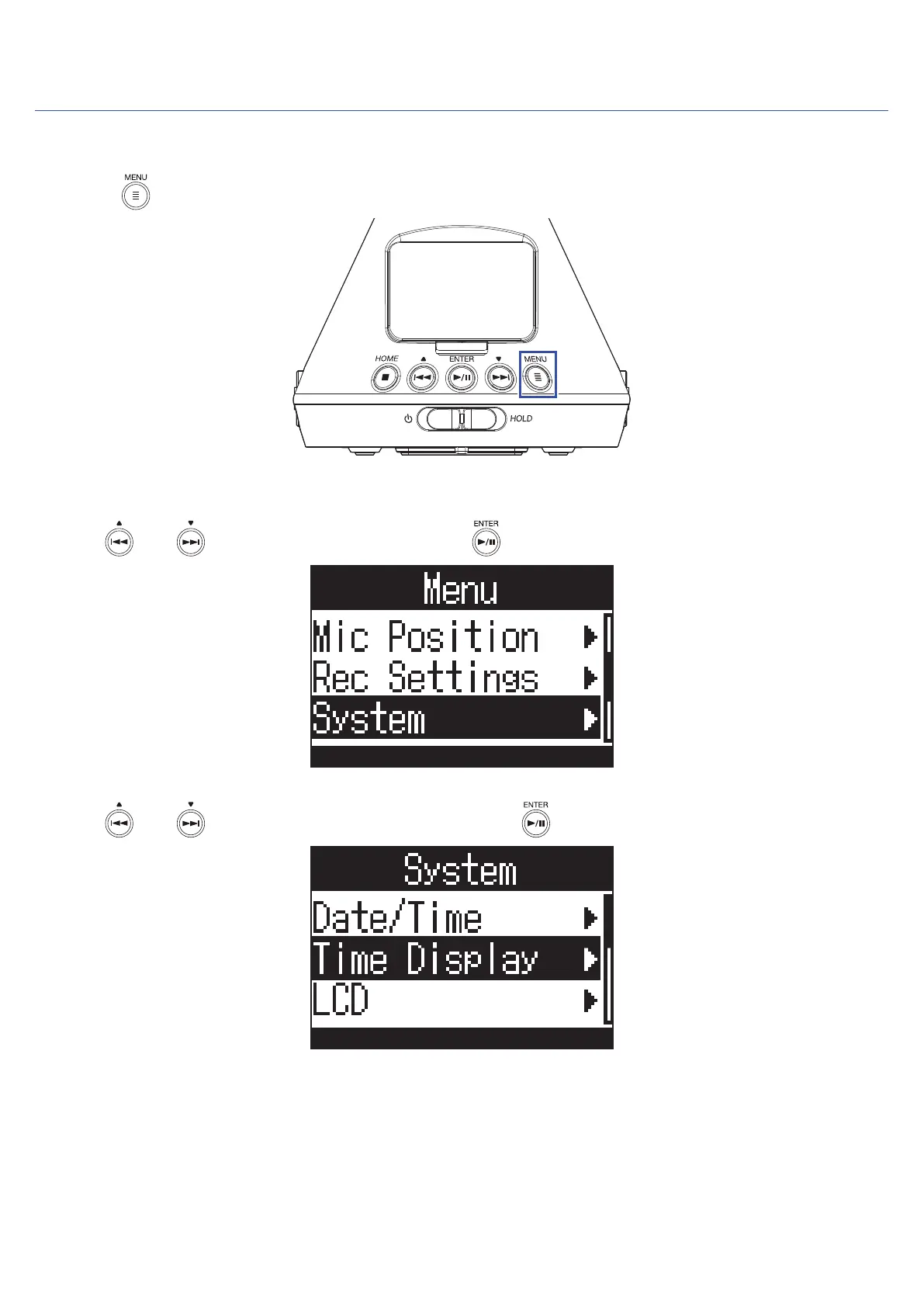
1. Press .
This opens the Menu Screen.
2. Use and to select "System", and press .
3. Use and to select "Time Display", and press .
49



 To Next Page