Exporting tracks
Tracks can be exported to the AUDIO folder on the SD card as WAV or SMF files.
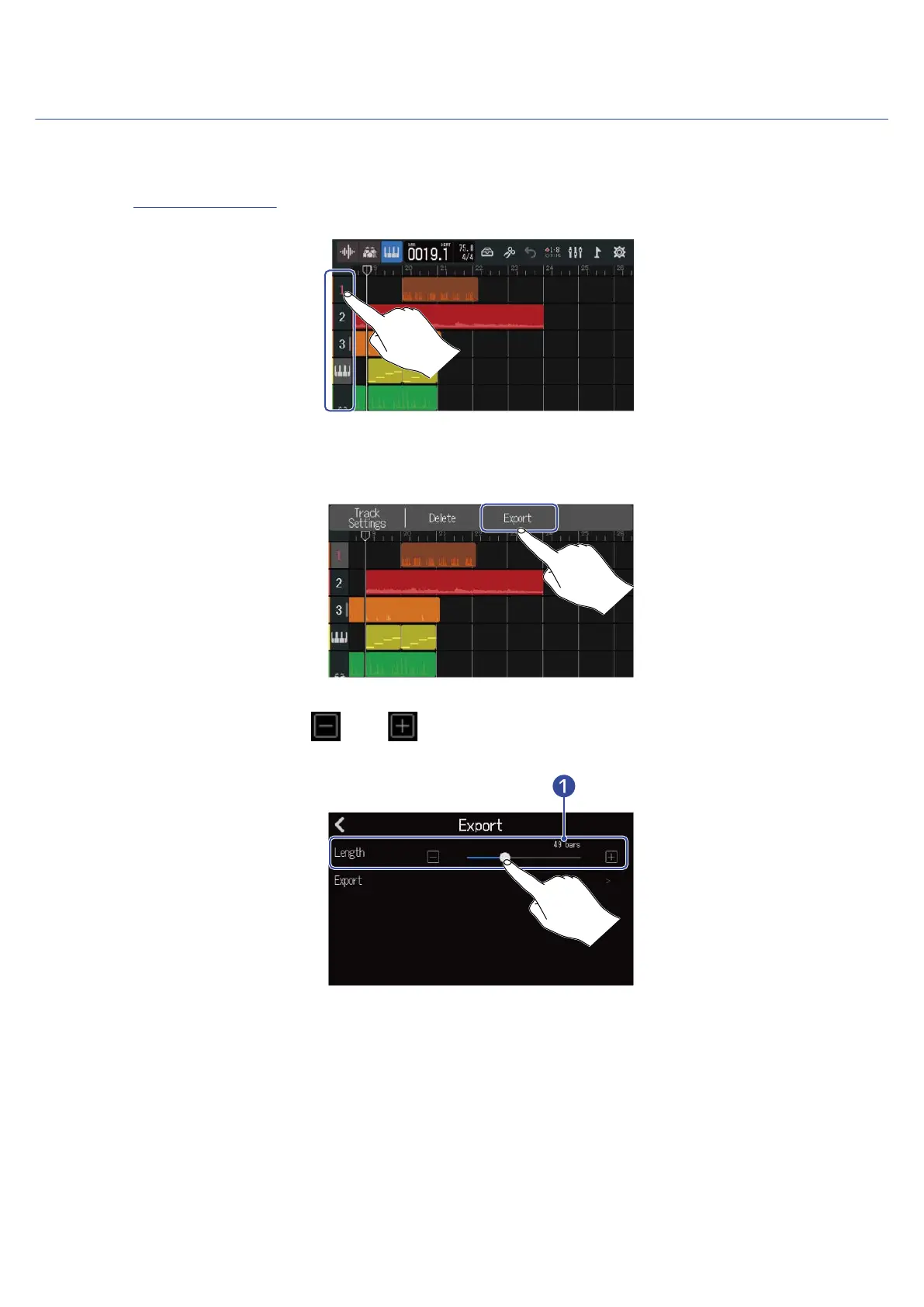
1. On the Track View Screen, double-tap the header of the track that you want to export as a WAV or SMF
file.
The Option Menu will open at the top of the screen.
2. Tap “Export”.
3. Slide the Length slider or tap and .
This adjusts the exported length.
❶
Exported length
This shows the number of bars.
105



 To Next Page