Adjusting the touchscreen brightness
The brightness of the touchscreen can be adjusted.
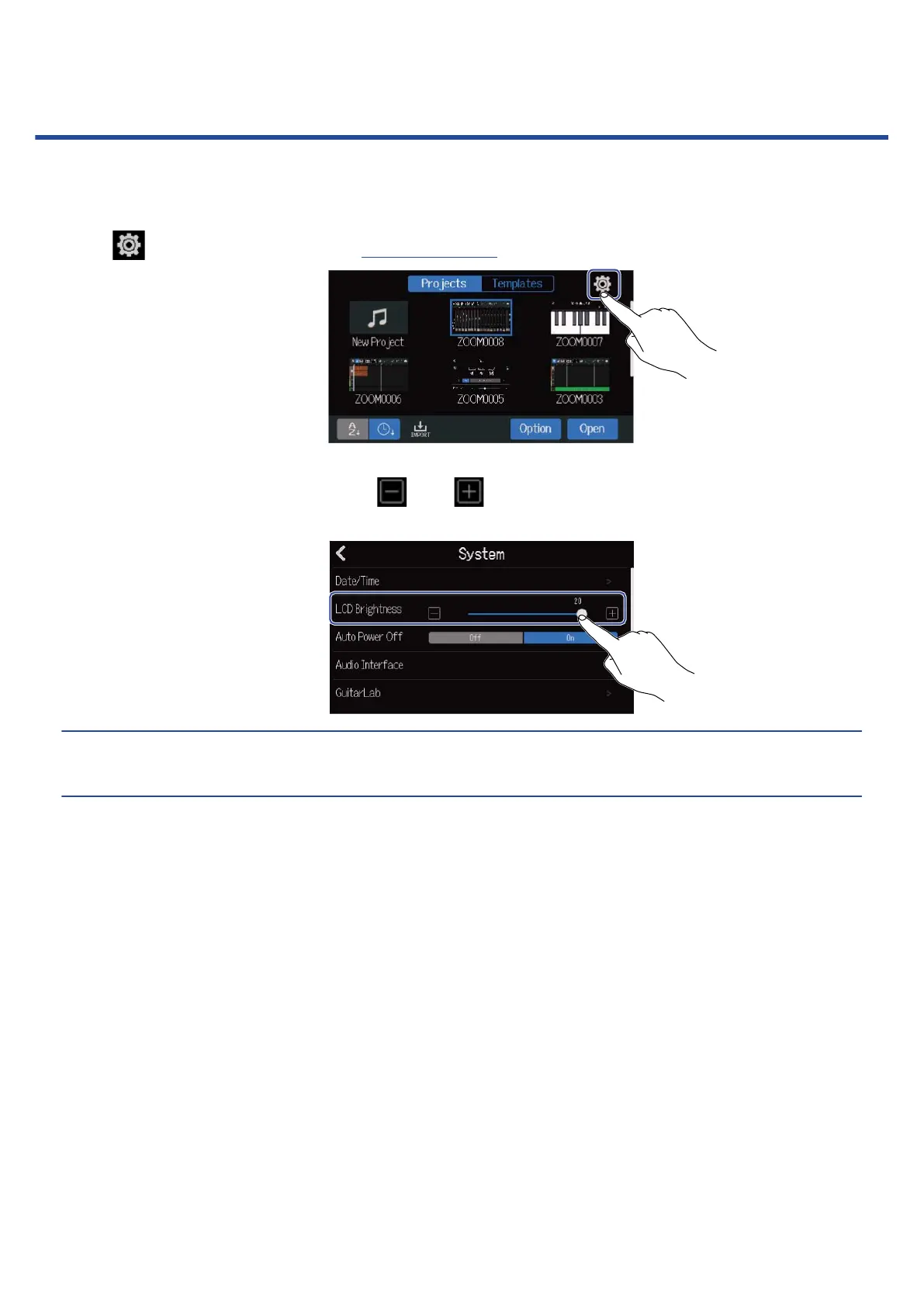
1. Tap on the Projects Screen (→ Opening projects).
2. Slide the LCD Brightness slider or tap and .
This adjusts the brightness.
HINT:
This can be set from 1 to 20.
153



 To Next Page