Mixing projects
Switch between the Track View Screen and Level Meter View Screen for different purposes when mixing.
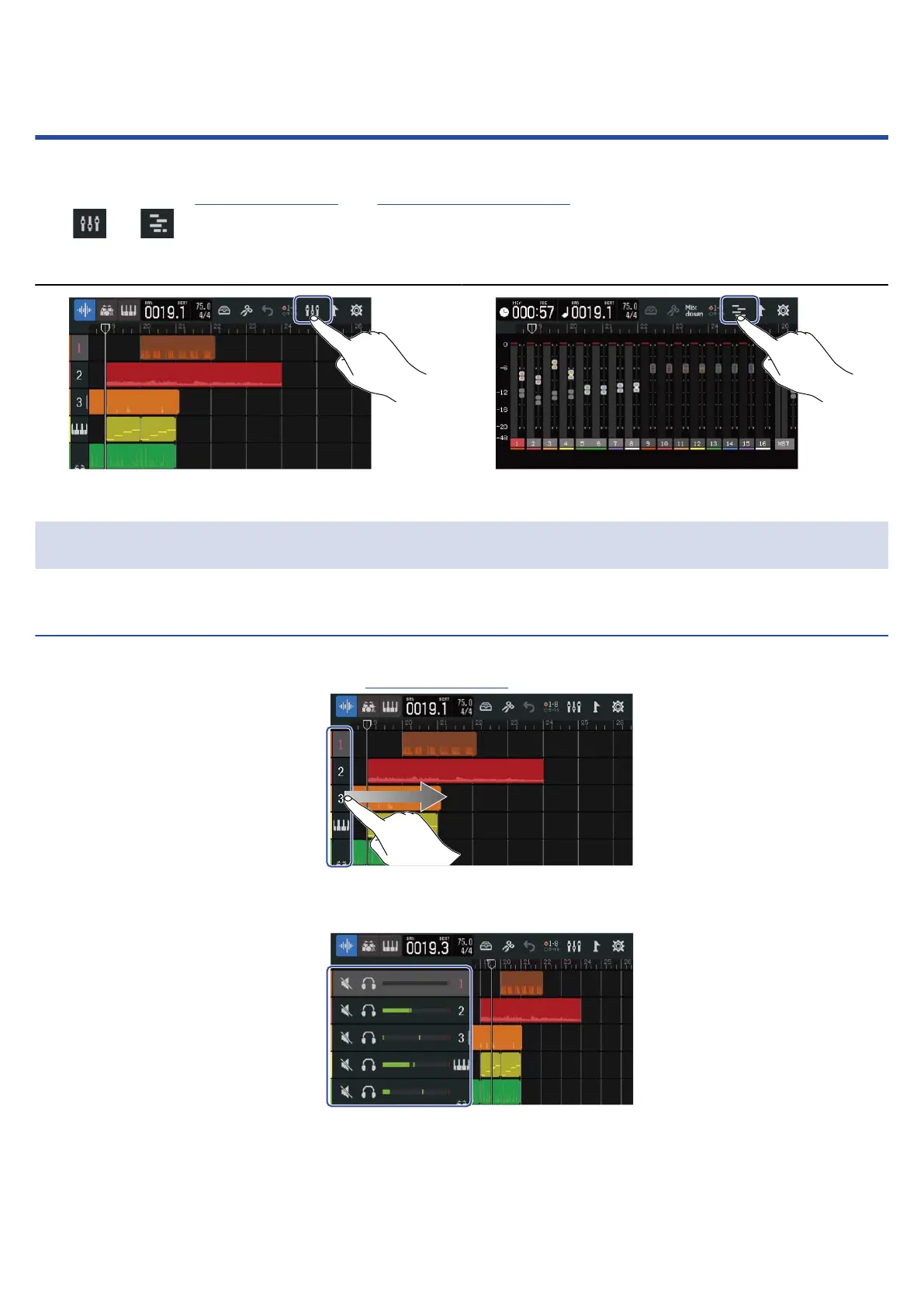
Tap or to switch screens.
Switching to the Level Meter View Screen Switching to the Track View Screen
Checking track levels
Checking on the Track View Screen
1. Drag the track numbers right on the Track View Screen.
This opens the mixer, which shows track levels with level meters.
Slide the screen up and down to check the levels of other tracks.
114



 To Next Page