Moving marker positions
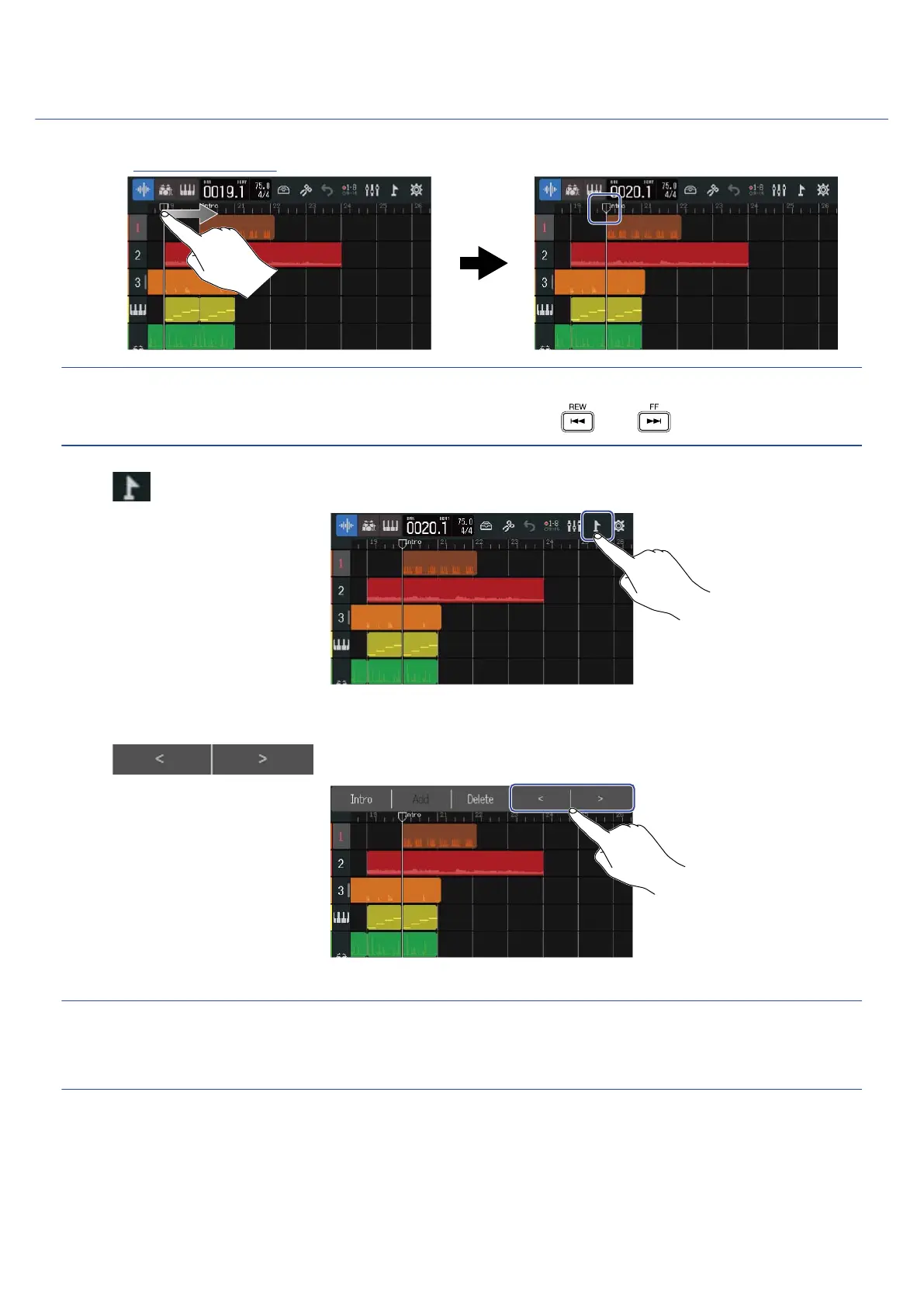
1. On the Track View Screen, move the playback header to the position of the marker you want to move.
HINT:
The playback header can be moved in ruler increments by pressing and .
2. Tap .
This opens the Marker Menu at the top of the screen.
3. Tap to move the marker.
Tap anywhere else to close the Marker Menu.
HINT:
Movement is possible in bar increments. If another marker already exists, movement will stop at the bar
next to it.
110



 To Next Page