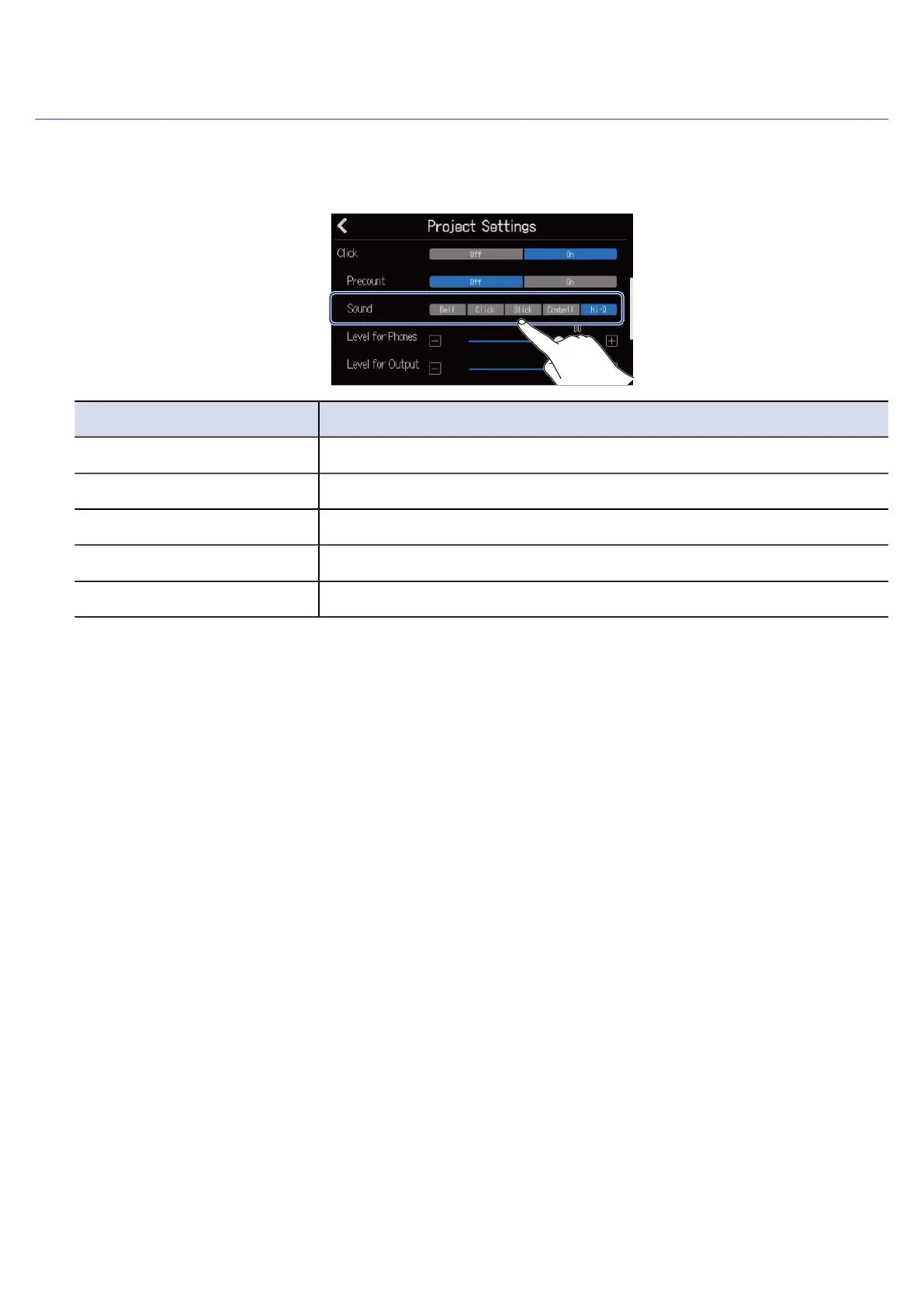
Changing the metronome sound
The metronome sound can be set to the preferred one.
1. Tap the desired “Sound” option on the Project Settings Screen.
Setting Explanation
Bell Metronome sound (with bell on accents)
Click Metronome sound (click only)
Stick Drumsticks tapping sound
Cowbell Cowbell sound
Hi-Q Synthesized click sound
40



 To Next Page