Adjusting EQ
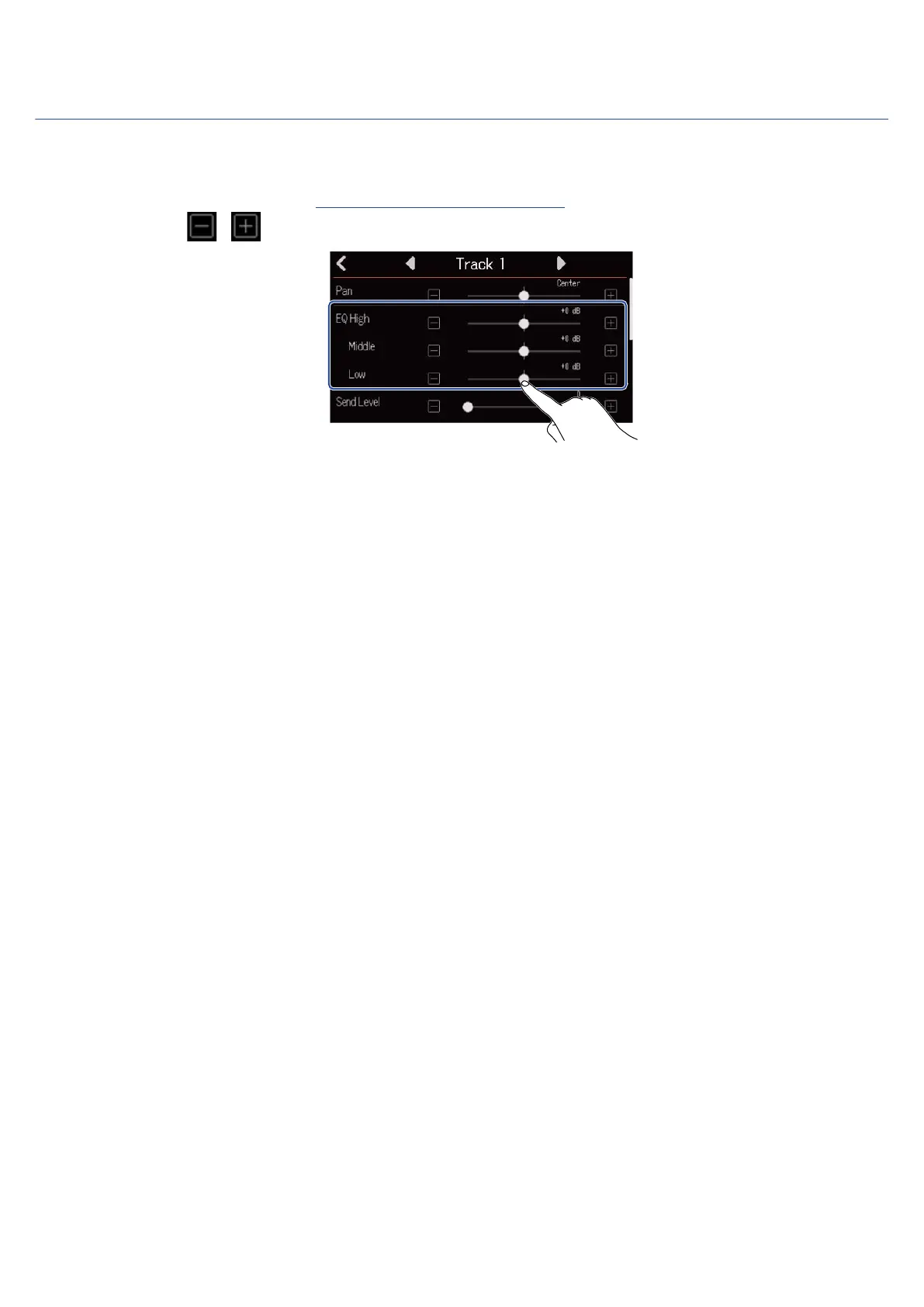
The amount of boost/cut of each frequency band can be adjusted.
1. On a Track Settings Screen (→ Opening Track Settings Screens), slide the EQ Low, Middle and High
sliders or tap / .
■ High
This adjusts the boost/cut of high-frequency equalization.
• Type: shelving
• Gain range: −12 dB – +12 dB
• Frequency: 10 kHz
■ Middle
This adjusts the boost/cut of mid-frequency equalization.
• Type: peaking
• Gain range: −12 dB – +12 dB
• Frequency: 2.5 kHz
■ Low
This adjusts the boost/cut of low-frequency equalization.
• Type: shelving
• Gain range: −12 dB – +12 dB
• Frequency: 100 Hz
53



 To Next Page