Changing patch memory names
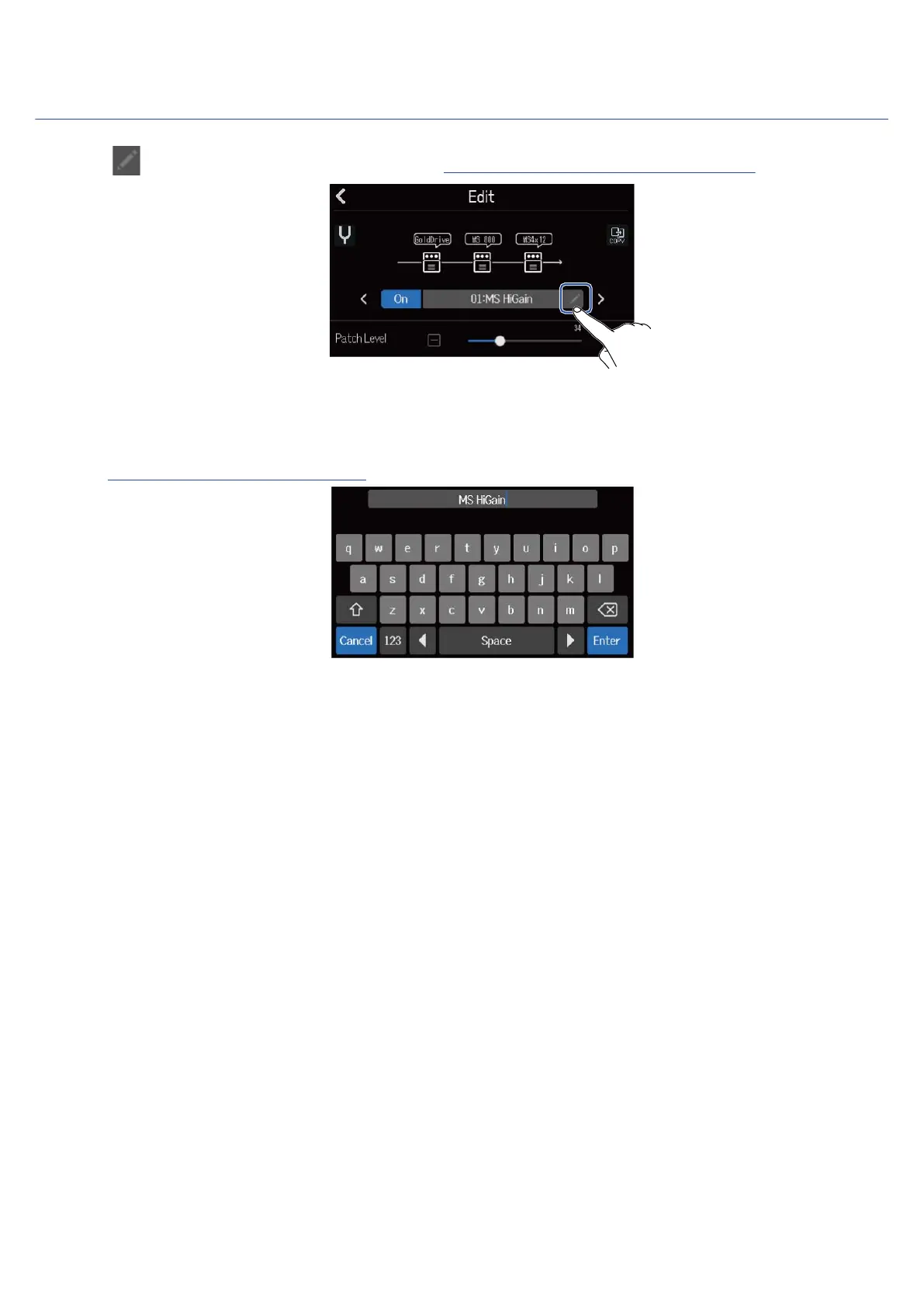
1. Tap on the patch memory Edit Screen (→ Opening the patch memory Edit Screen).
This opens the Character Input Screen.
2. Input the patch memory name.
See Character Input Screen overview for how to input characters.
3. When “Done” appears, tap “Close”.
This changes the patch memory name and returns to the previous screen.
65



 To Next Page