Changing region lengths without changing pitch
The lengths of regions can be changed without changing their pitches.
Regions that have had lengths changed can be saved as new audio data.
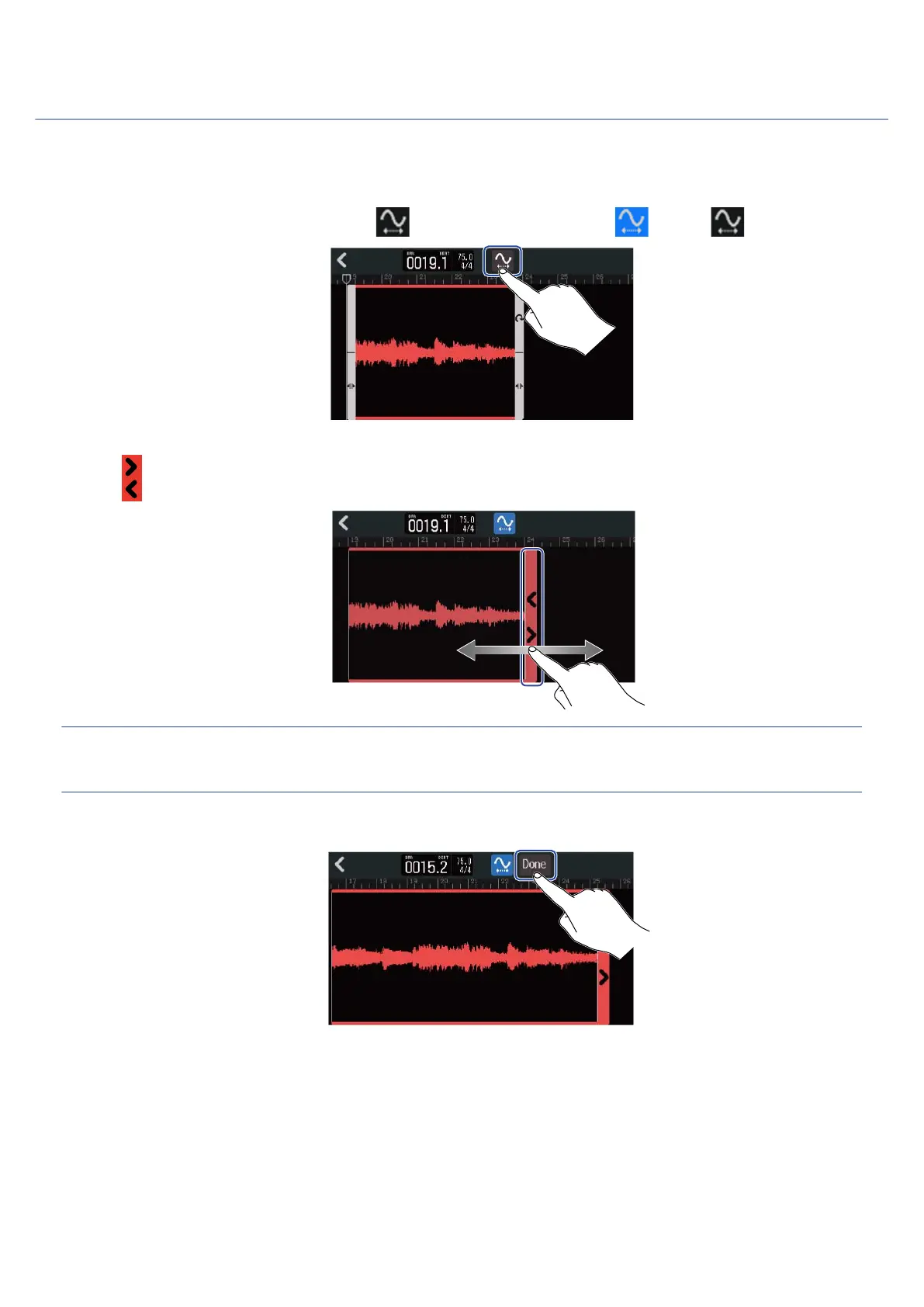
1. On the Waveform Editing Screen, tap to turn this function on ( ) (OFF: ).
2. Drag left and right to adjust the length of the region.
HINT:
The length can be changed in a range of 50–150% of the original region.
3. Tap “done” to confirm the setting.
94



 To Next Page