Making driver control panel settings
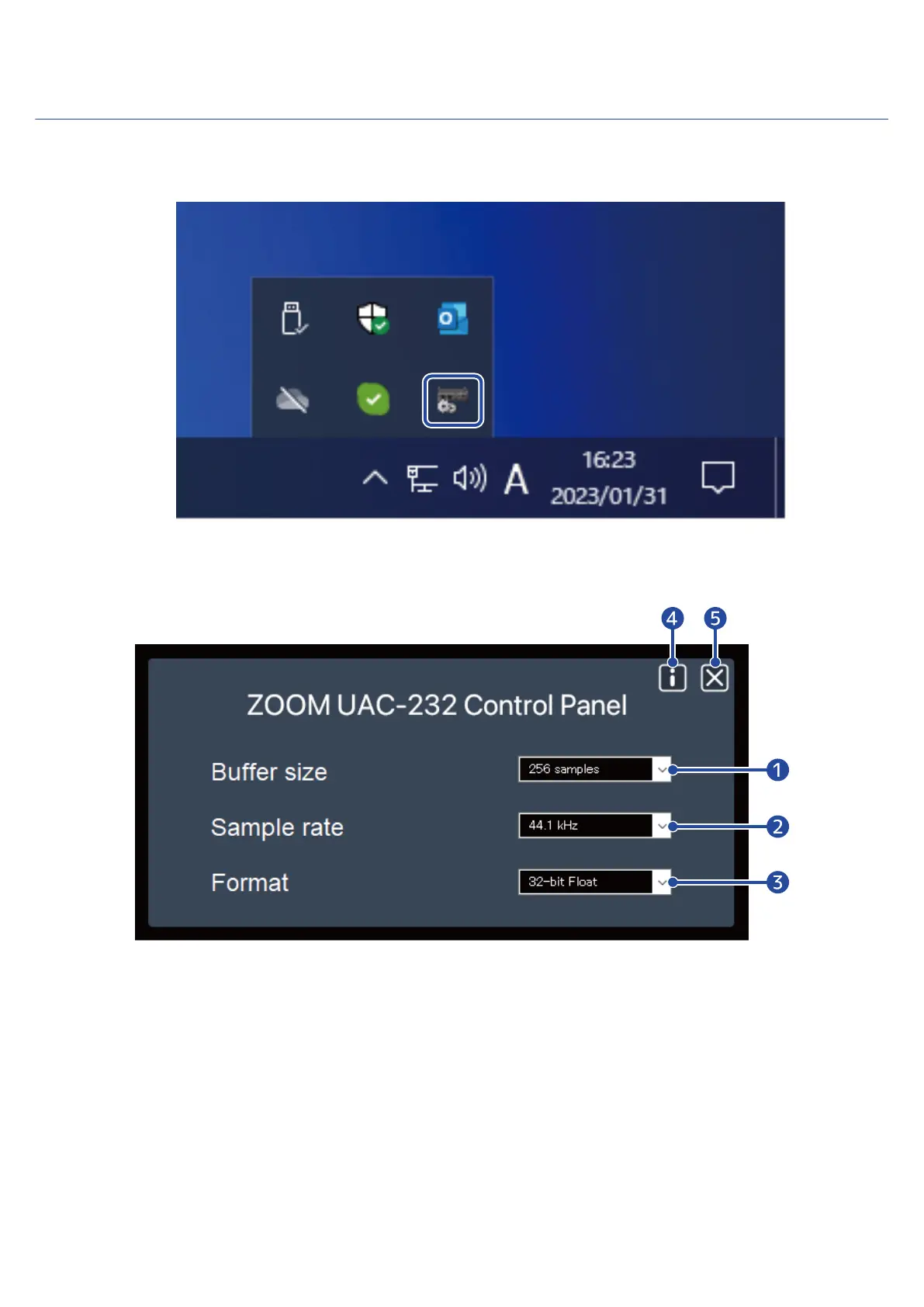
1. Click the “ZOOM UAC-232 Control Panel” icon in the taskbar notification area to open the Control
Panel.
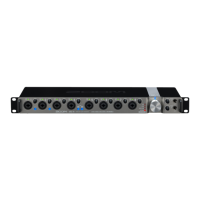
2. Make control panel settings.
❶
Buffer size setting
This sets the size of the buffer used by the driver. Raising the value makes operation more stable but
also increases latency.
❷
Sample rate setting
This sets the sampling frequency used by the UAC-232. If this is also set in the DAW or other
application, that setting might be given priority.
❸
Transmission format setting
This sets the format of data sent and received by the UAC-232.
16



 To Next Page