Connecting mics
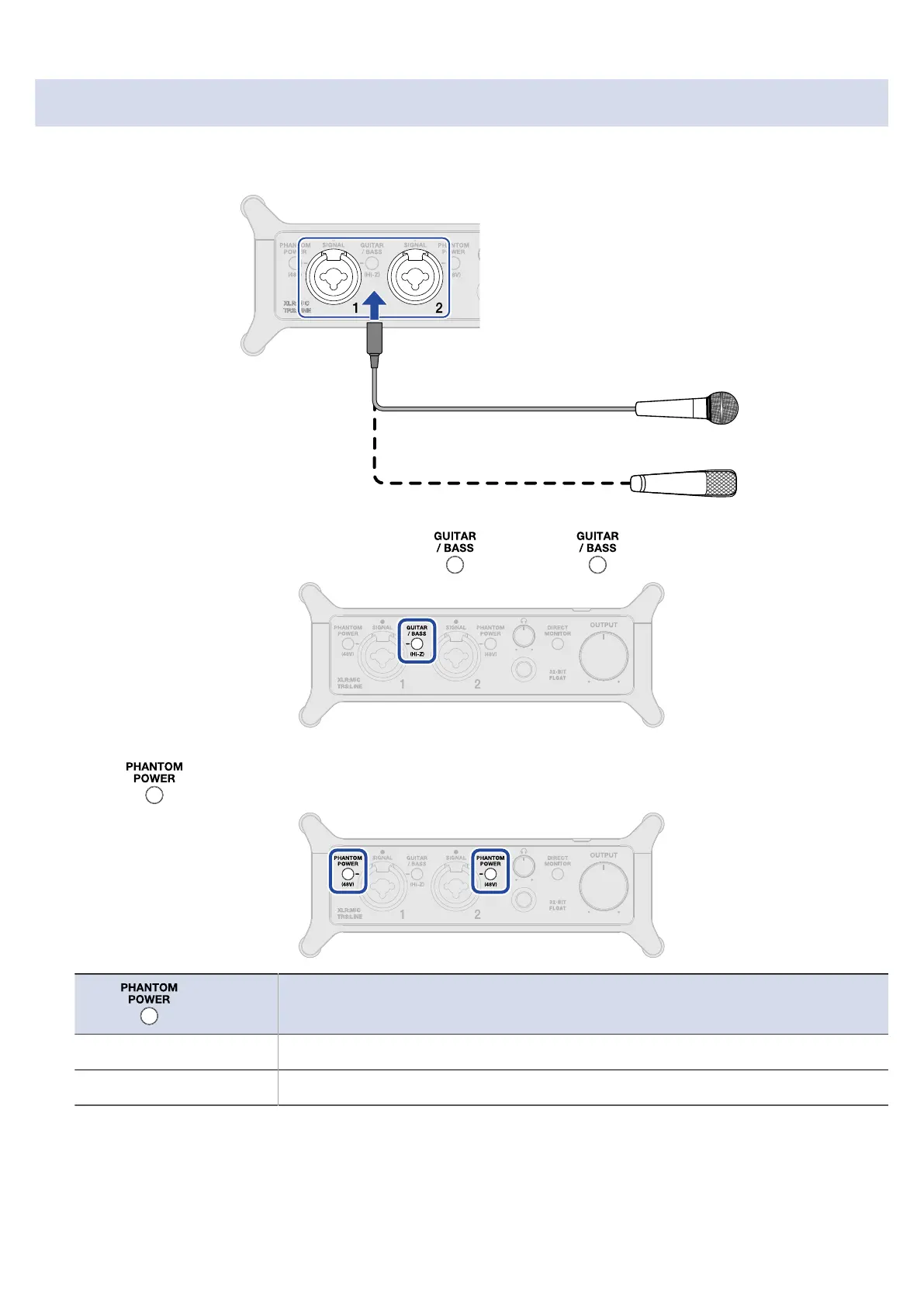
1. Use mic cables to connect dynamic and condenser mics to the Input 1 and 2 jacks.
2. When connecting a mic to the Input 1 jack, if is lit, press to make it unlit.
3. Press so that they light when connecting condenser mics.
status
Explanation
On (lit) Use this to supply phantom power to condenser mics.
Off (unlit) Use this when connecting dynamic mics.
23



 To Next Page