Cannot play or record
• Confirm that “ZOOM UAC-232” is selected in the “Sound” settings of the computer being used.
• Confirm that UAC-232 is set for input and output in the software being used.
• Quit all software that is using the UAC-232. Then, disconnect and reconnect the USB cable connected to
the UAC-232.
Playback sound cannot be heard or is quiet
• Check the connections and volume settings of the speakers.
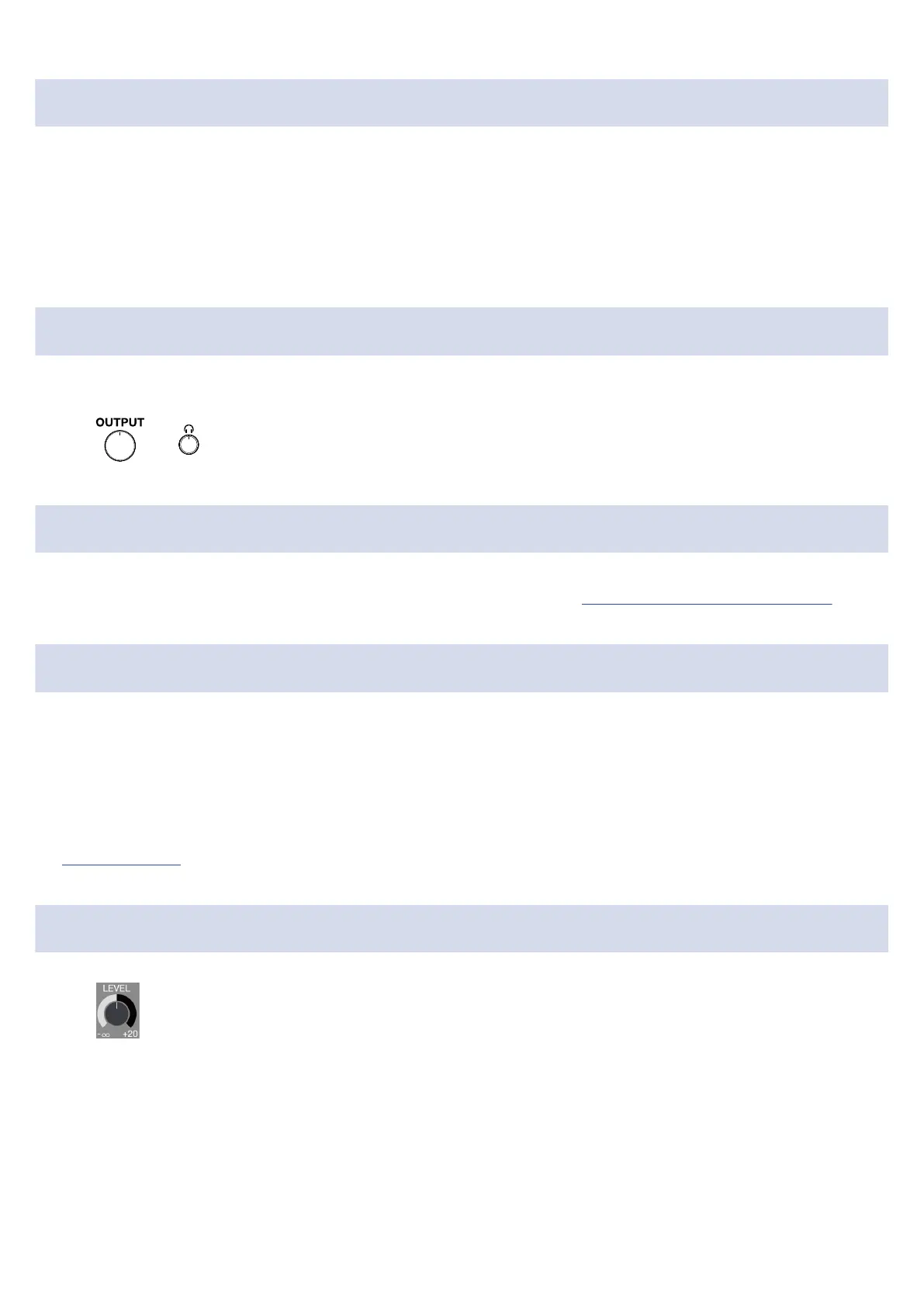
• Use or to adjust the volume.
Cannot be used with an iOS/iPadOS device
• Confirm that the external power supply is connected correctly. (→ Using an external power supply)
Sound breaks up during playback or recording
• If the audio buffer size of the software being used can be adjusted, increase it.
• Turn off the automatic sleep function and other computer power saving settings.
• If using a USB hub, stop using it. Connect the UAC-232 directly to a USB port on the computer.
• We provide methods to optimize Windows computer settings for music production on our website
(zoomcorp.com). Try using the settings provided there.
Noise is loud during direct monitoring
• Use to minimize channels that do not have connected inputs.
52



 To Next Page