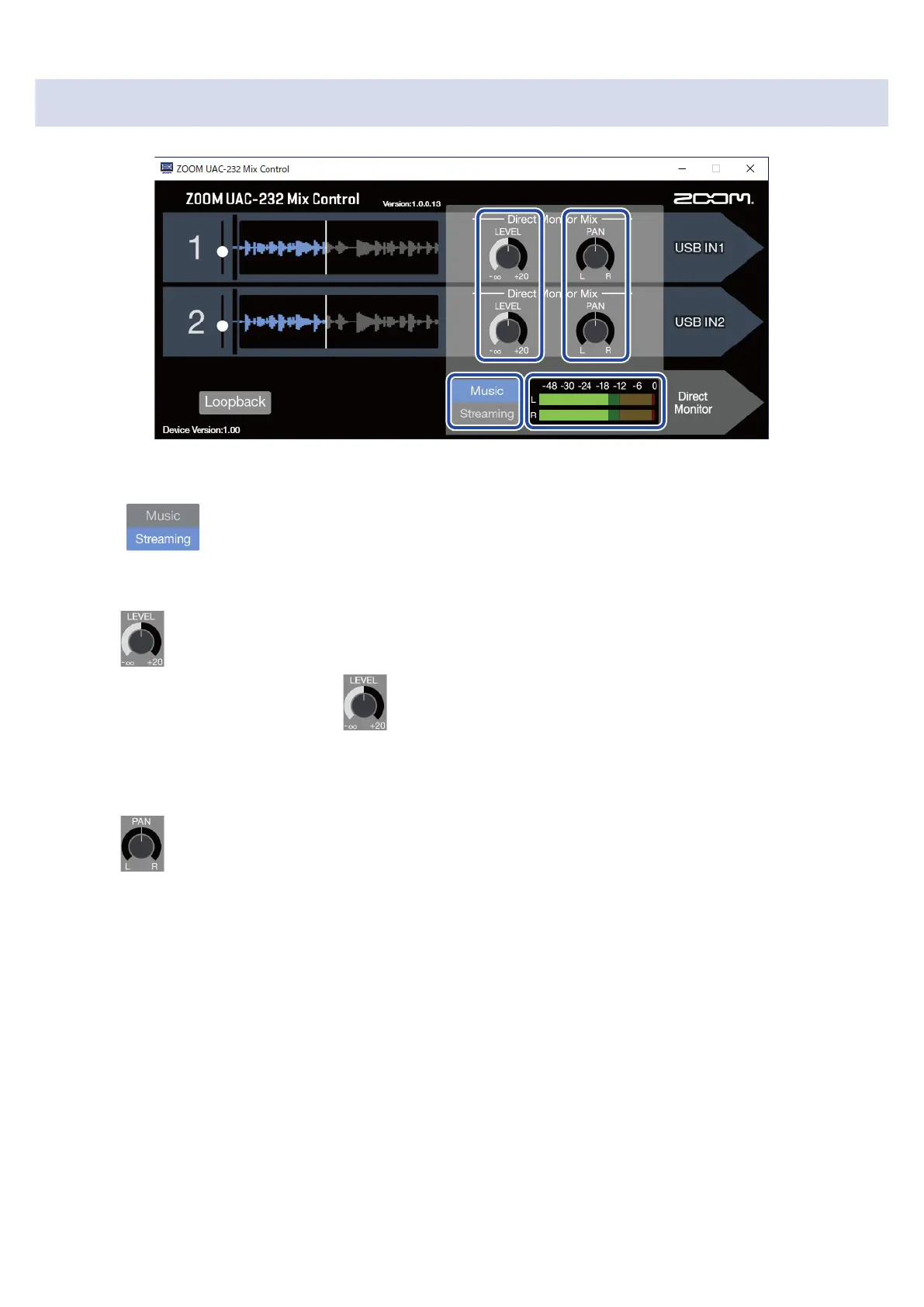
Adjusting direct monitoring
1. Enable Music mode.
Press to enable Music mode.
2. Adjust direct monitoring levels.
Turn to adjust the levels of each channel.
If levels are raised too high using , the output sound could be clipped. Adjust them so that the
level indicators do not light red.
3. Set stereo positions for direct monitoring.
Turn to adjust the stereo positions of each channel.
33



 To Next Page