Using direct monitoring
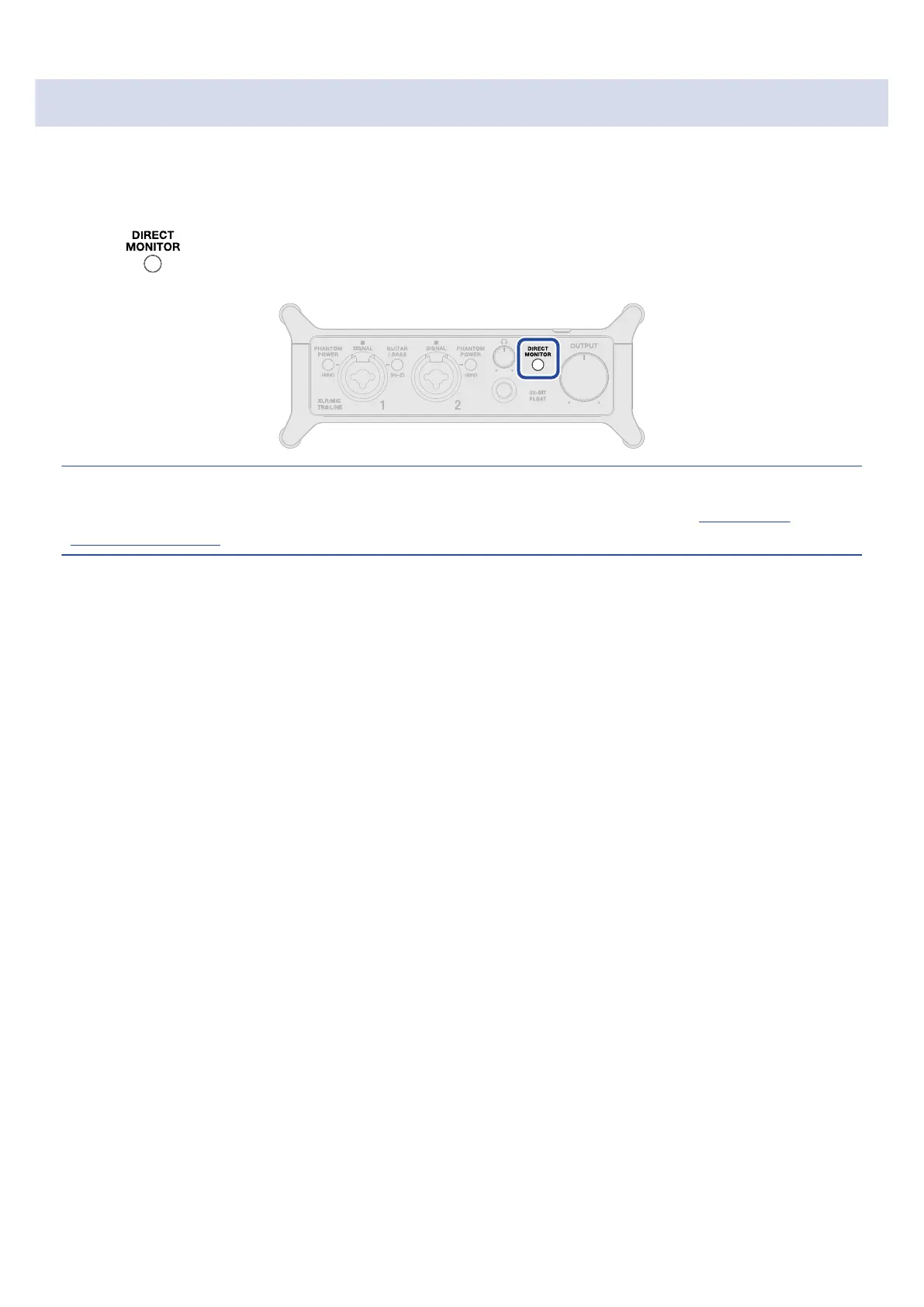
When direct monitoring is turned on, sound input to the UAC-232 can be directly monitored using
headphones, for example, before it passes through the computer. This enables monitoring without latency.
1. Press so that it lights.
HINT:
The direct monitoring mix levels can be adjusted using ZOOM UAC-232 Mix Control. (→ Using ZOOM
UAC-232 Mix Control)
25



 To Next Page