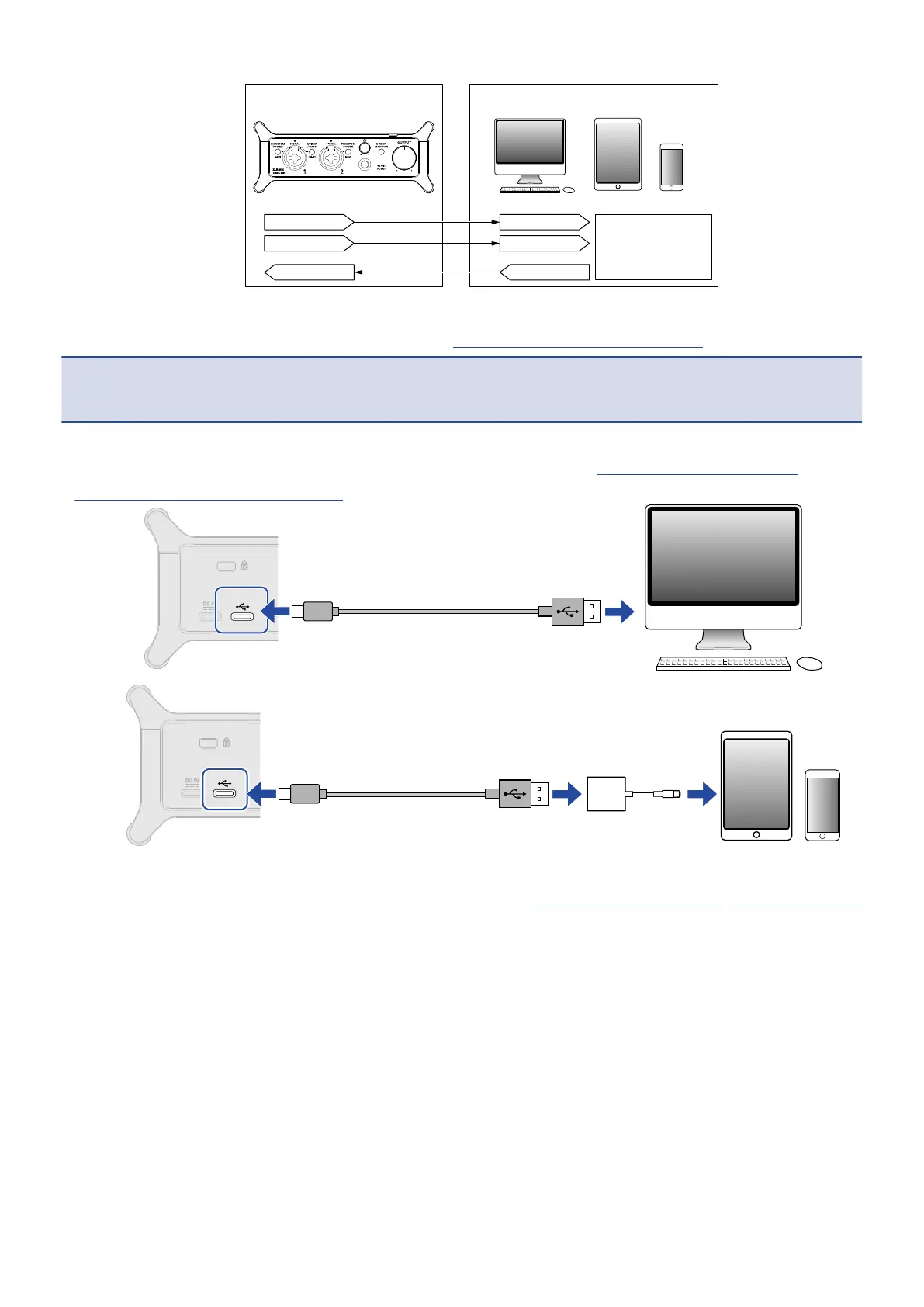
INPUT1
DAW
INPUT2
OUTPUT 1/2
2. Supply power if using an iOS/iPadOS device. (→ Using an external power supply)
NOTE:
Power must be provided before connecting an iOS/iPadOS device to the UAC-232.
3. Connect the UAC-232 and the computer or iOS/iPadOS device. (→ Connecting to computers,
Connecting to iOS/iPadOS devices)
4. Connect the mic and instrument and set the switches. (→ Connecting instruments, Connecting mics)
40



 To Next Page