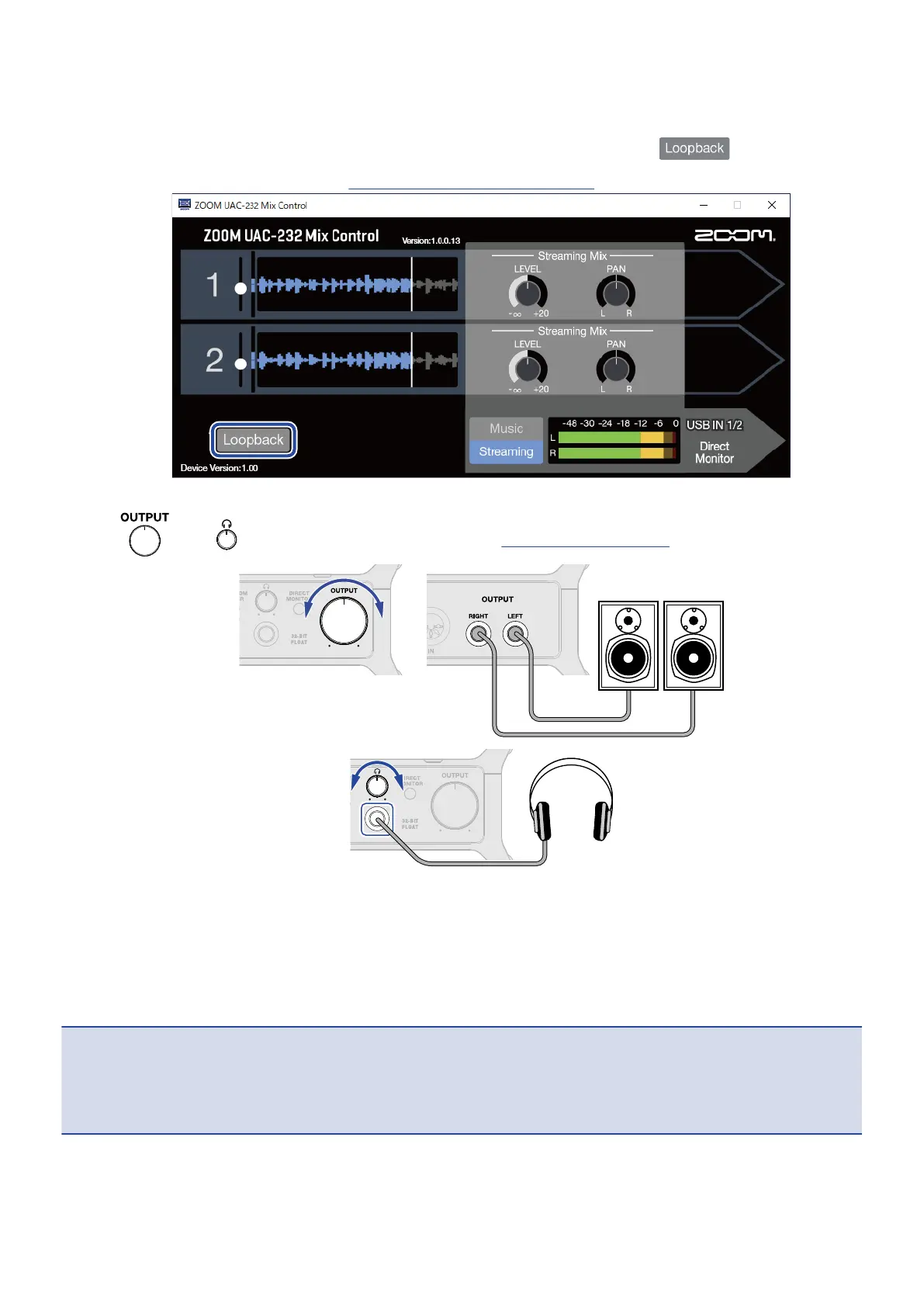
4. Select the UAC-232 as the computer input and output device.
5. To enable the loopback function for sound from the computer, press the switch in ZOOM
UAC-232 Mix Control to light it. (→ Enabling the loopback function)
6. Turn and to adjust the output volume. (→ Adjusting the volume)
7. Launch the streaming app on the computer, and select the UAC-232 as the “audio” or “input/output”
device.
8. Start streaming.
NOTE:
• Use BGM with permission from its creators.
• Refer to the streaming app manual for how to use it.
44



 To Next Page