06-30 RT100RoughTerrainCrane
6.3.3.4PARAMETERSETTINGS
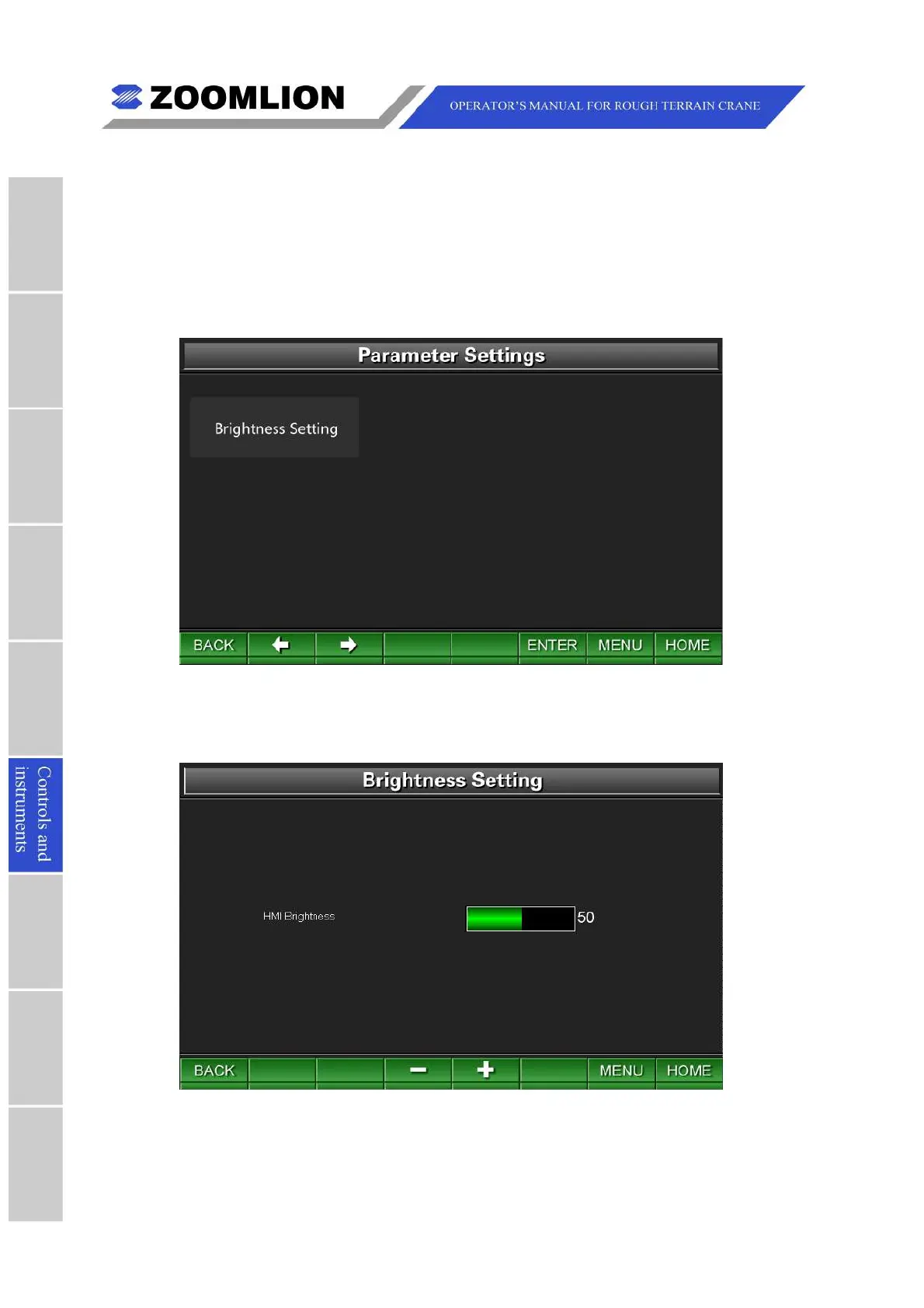
TheParameterSettingsScreenisshownasfollowing.SeeFigure06 – 25.
IntheParameterSettingsScreen,youcanadjustthebrightnessofthesystem.
Pressthekeys “BACK” or “MENU” toreturntotheMainMenuScreen.Pressthekey
“HOME"toentertheTravelModeScreen.
Figure06 – 25 ParameterSettings
Brightnesssettings:pressthekey “ENTER” toentertheBrightnessSettingsScreen.Press
thefunctionkeys “+” and “-” toadjustthebrightness.SeeFigure06 – 26.
Figure06 – 26 BrightnessSetting



 To Next Page