RT100RoughTerrainCrane 06-31
6.3.3.5Maintenance
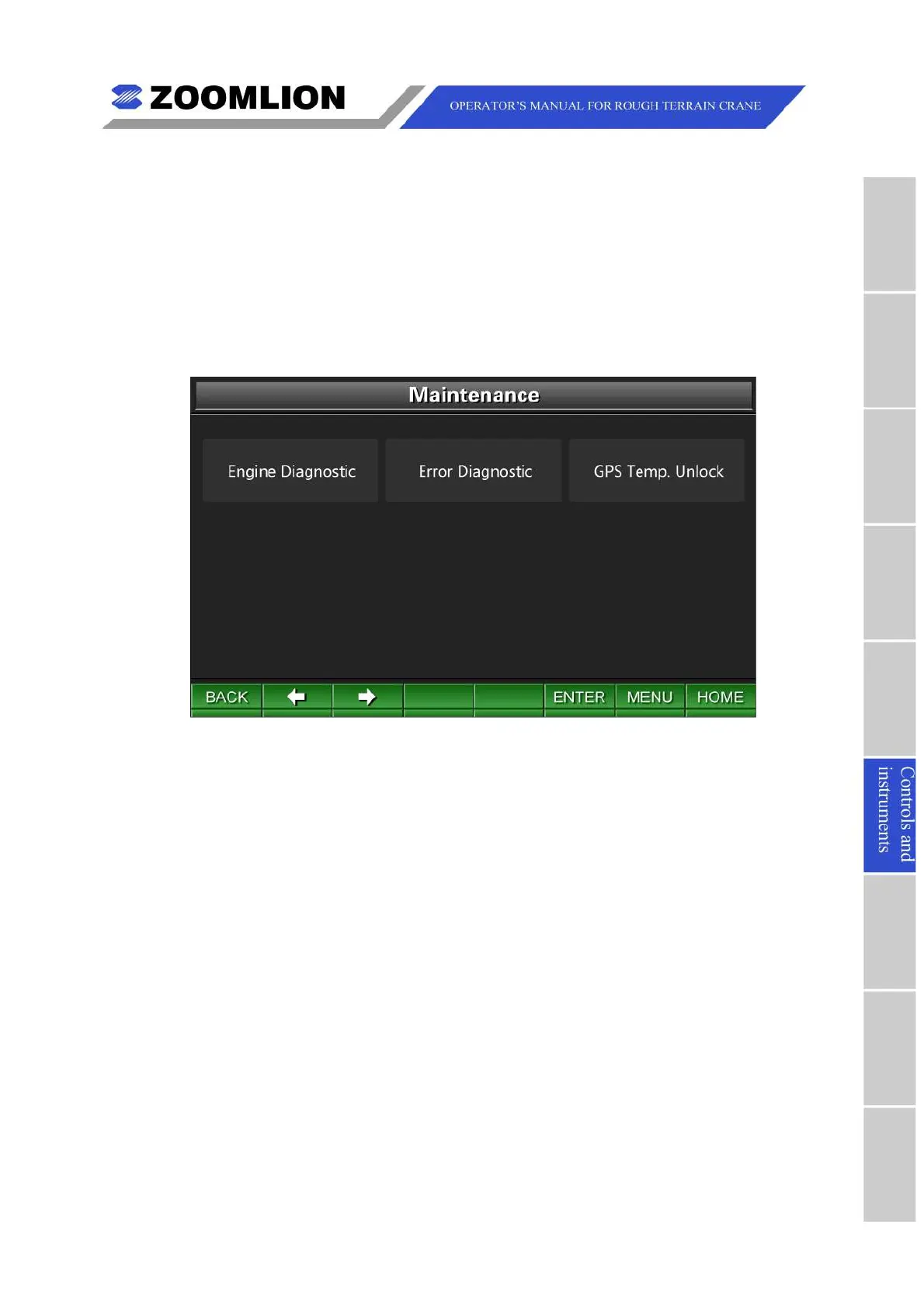
TheMaintenanceScreenisshownasfollowing.SeeFigure6–27.
IntheMaintenanceScreen,movethecursorleft/rightandpressthekey “ENTER” to
selecttheitemssuchasEngineDiagnostic,ErrorDiagnosticorGPSTemporaryUnlock
accordingtotheworkrequirements.
Pressthekeys “BACK” or “MENU” toreturntotheMainMenuScreen.Pressthekey
“HOME"toentertheTravelModeScreen.
Figure06 – 27 Maintenance
(1)EngineDiagnostic:movethecursortoselecttheicon “Enginediagnostic” andpress
thekey “ENTER” toentertheEngineDiagnosticScreen.SeeFigure06 – 28.
Pressthefunctionkey “DIAG” andpressthekeys “PgUp” and “PgDn” toincreaseand
decreasetheengineidlespeedby50rpm.Theengineidlespeedvarieswithin650 –
1200rpm.



 To Next Page