RT100RoughTerrainCrane 06-33
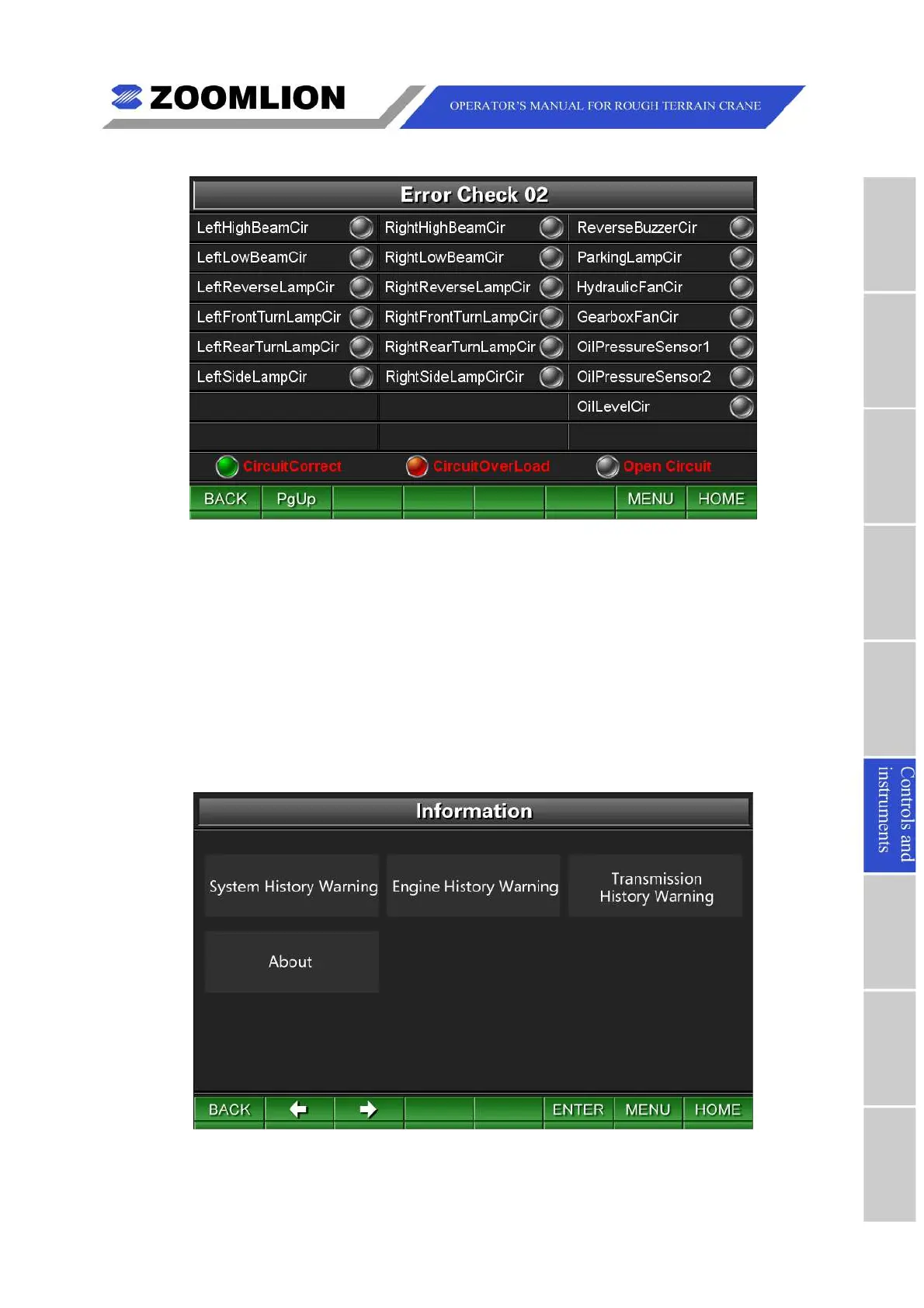
Figure06 – 30 ErrorDiagnostic2
(3)GPSTemp.Unlock:movethecursortoselecttheicon “GPSTemp.unlock” andpress
thekey “ENTER” toentertheGPSTemp.UnlockScreen.Enterthetemporary
passwordtounlocktheGPStemporarily.
6.3.3.6INFORMATION
TheInformationScreenisshownasfollowing.SeeFigure06 – 31.
IntheInformationScreen,movethecursorleft/rightandpressthekey “ENTER” toselect
theitemssuchasSystemhistorywarning,Enginehistorywarning,Transmissionhistory
warningandAbout(aboutthevehiclebasicparameters)accordingtotherequirements.
Figure06 – 31 Information
(1)Systemhistorywarning:movethecursortoselecttheicon “Systemhistorywarning”
andpressthekey “ENTER” toentertheSystemHistoryWarningScreentoconsultthe



 To Next Page