06-34 RT100RoughTerrainCrane
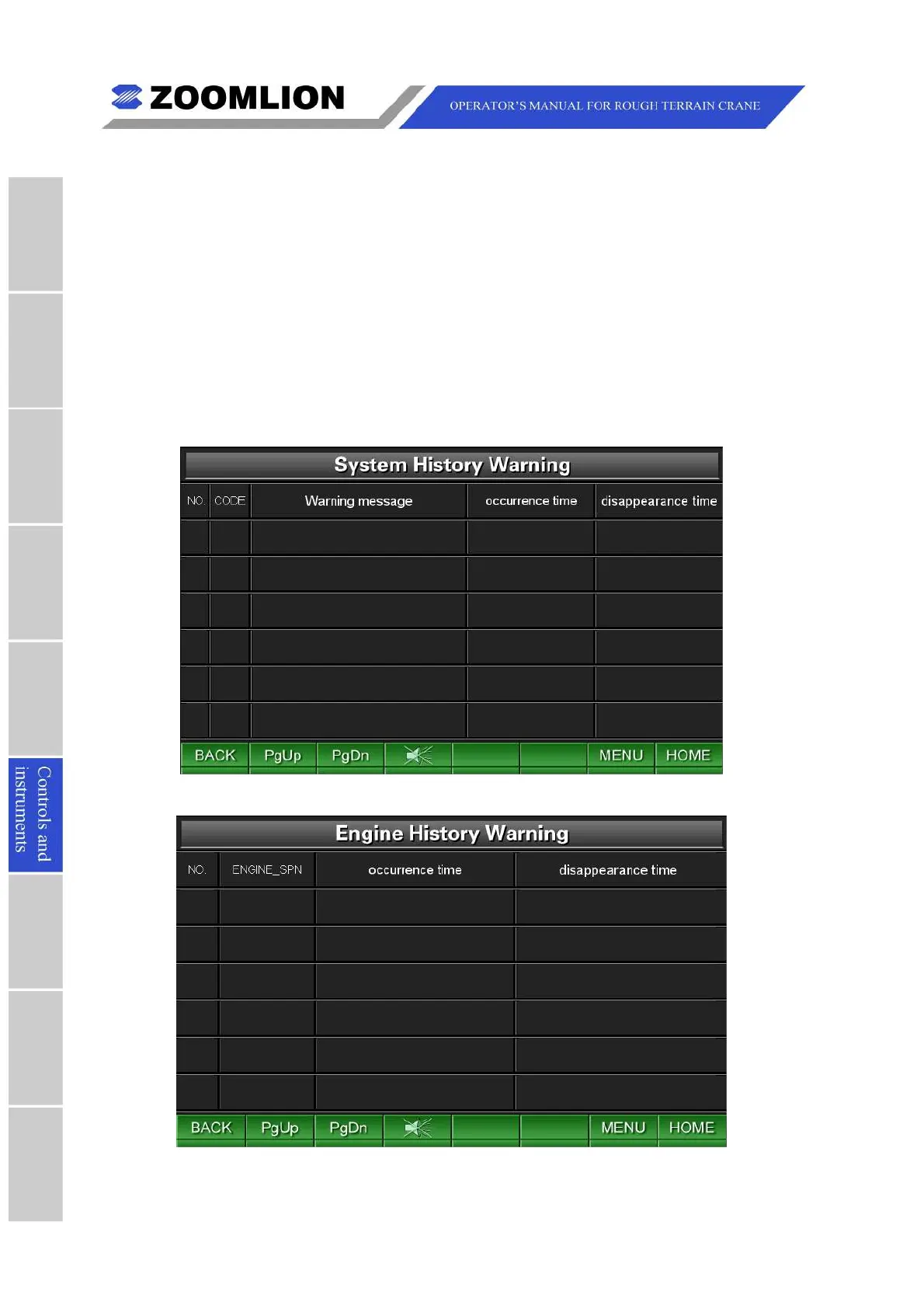
systemdefects.SeeFigure06 – 32.
(2)Enginehistorywarning:movethecursortoselecttheicon “Enginehistorywarning”
andpressthekey “ENTER” toentertheEngineHistoryWarningScreentoconsultthe
enginedefects.SeeFigure06 – 33.
(3)Transmissionhistorywarning:movethecursortoselecttheicon “Transmission
historywarning” andpressthekey “ENTER” toentertheTransmissionHistory
WarningScreentoconsultthetransmissiondefects.SeeFigure06 – 34.
(4)About:movethecursortoselecttheicon “About” andpressthekey “ENTER” toenter
theAboutScreentoconsultthebasicinformationaboutthecrane.SeeFigure06 –
35.
Figure06 – 32 SystemHistoryWarning
Figure06 – 33 EngineHistoryWarning



 To Next Page