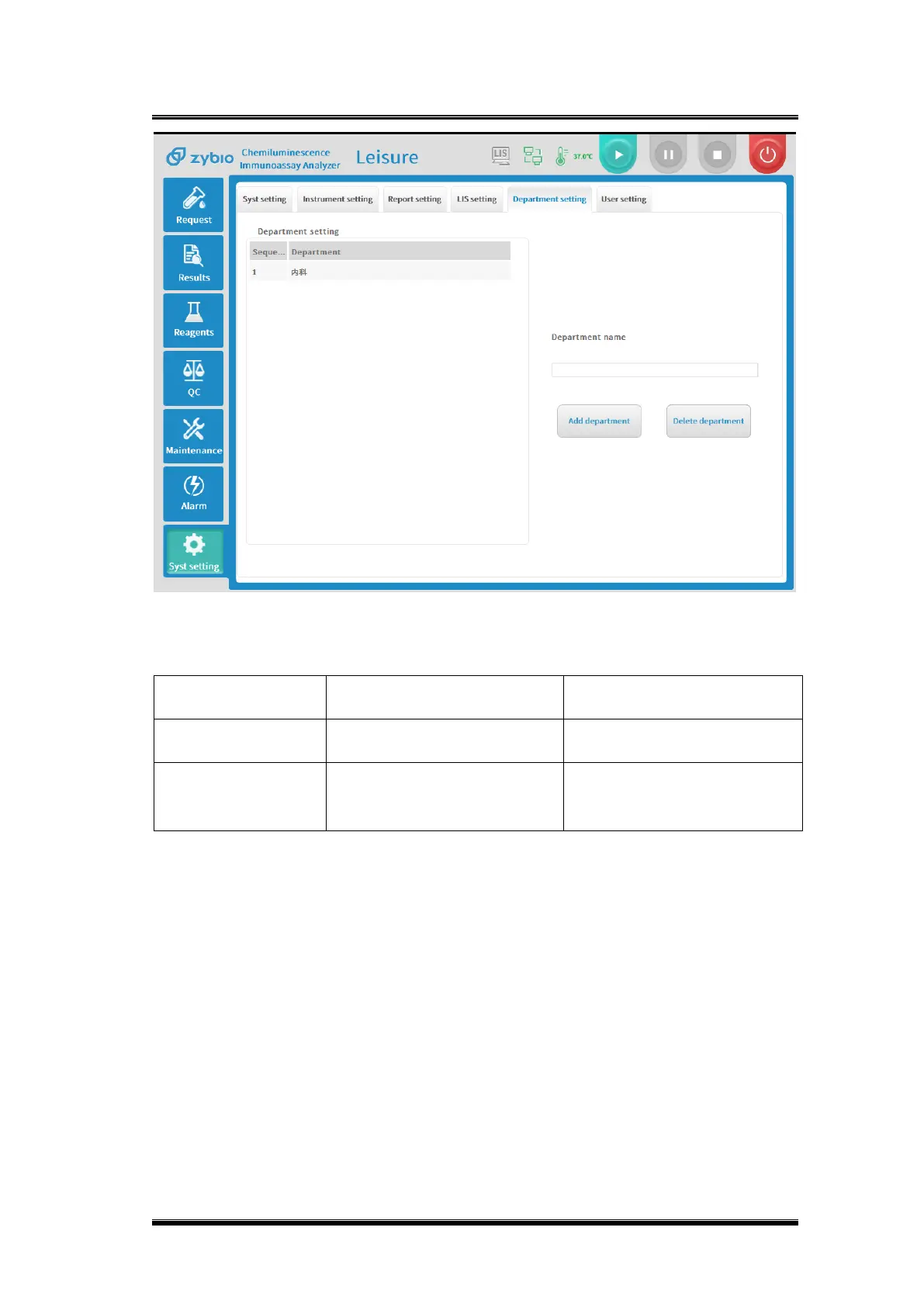
Basic operations
1) If you need to add a department, fill in the name of the department to be added
in the department name box;
2) Check [New Department] to save the department, and the newly added
department will be automatically updated and displayed on the department list;
3) When you need to delete a department name, select the department to be
deleted on the department list;
4) Click [Delete Department]. After the deletion is successful, the department list
will update without displaying the deleted department.


 To Next Page