◼ Enter [Reagent] interface;
◼ Select reagent;
◼ Click [Calibration Request];
◼ Confirm the application information is correct;
◼ Click [Request] to submit calibration test.
The sample positions are insufficient:
◼ Click [Request] - [Request List];
◼ Select completed or unstarted samples;
◼ Click [Delete] to leave positions for calibration test;
◼ Follow-up to perform operations according to "The sample positions are
sufficient ".
Basic operations
◼ Calibration request
1) In [Reagent] - [Reagent List];
2) Select the reagent needs calibration test;
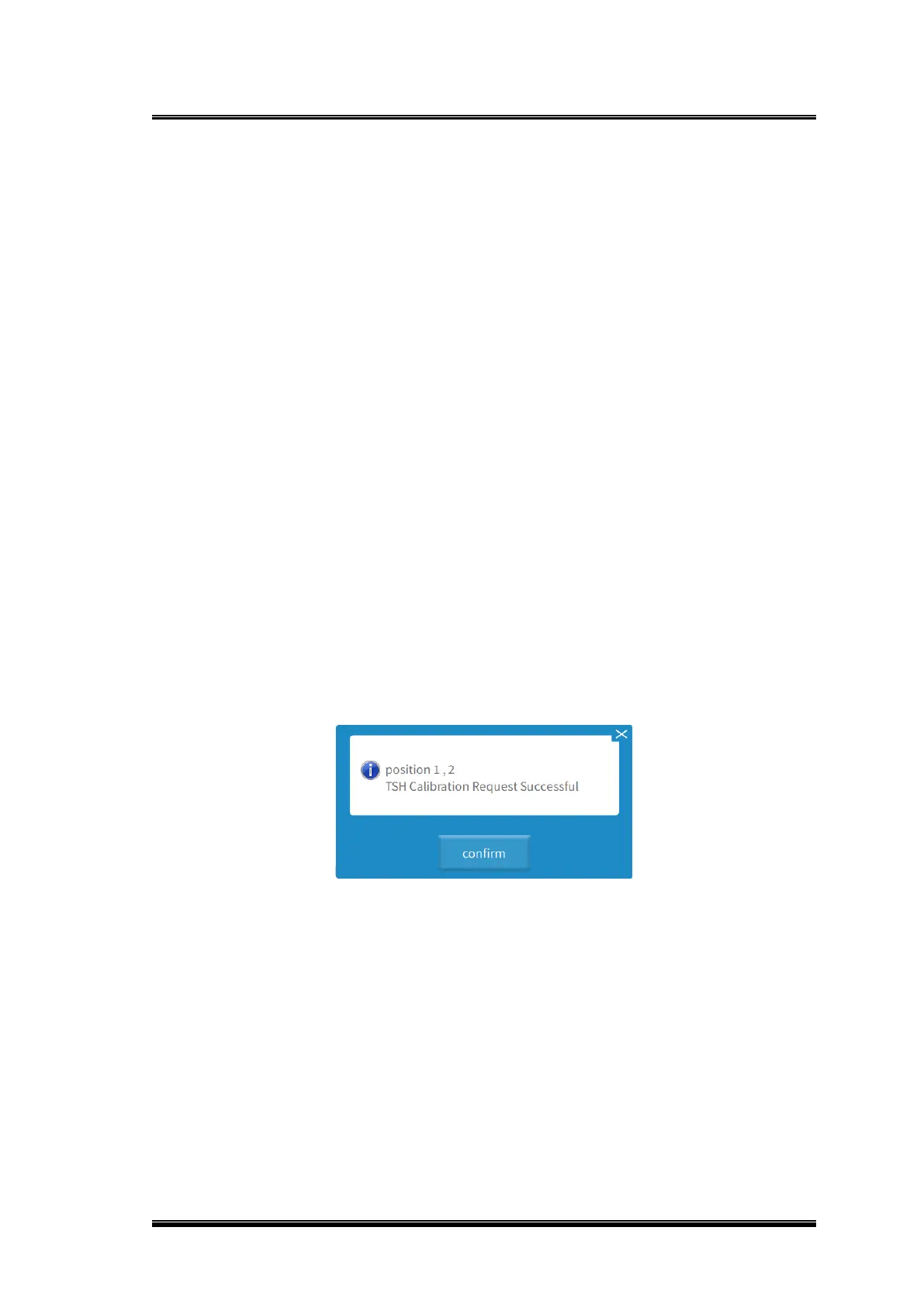
3) Click [Calibration Request] to pop up the prompt “Calibration request at position 00,
yy and zz completed”;
4) Click [OK] to confirm that the calibration test has been added to the [Sample List].
Figure 0-1 Calibration request completed prompt
3.10.1.2. Delete calibration request
⚫ Method 1:
1) Click [Reagent] - [Reagent List];
2) Select the reagents of which calibration is to be deleted in [Reagent List];
3) Click [Cancel Request];
4) A confirmation box for canceling calibration request test pops up;



 To Next Page