5) Click [Request] - [Sample List] to confirm that the calibration request test has been
deleted, and the calibration request test for the same batch of reagents will be
deleted together.
⚫ Method 2:
1) Click [Request] to enter the sample request interface;
2) Select the calibration request to be deleted in the [Sample List];
3) Click the [Delete], the “Confirm Delete” prompt will pop up;
4) Click [OK] to confirm that the calibration request test has been deleted, and the
calibration request test for the same batch of reagents will be deleted together.
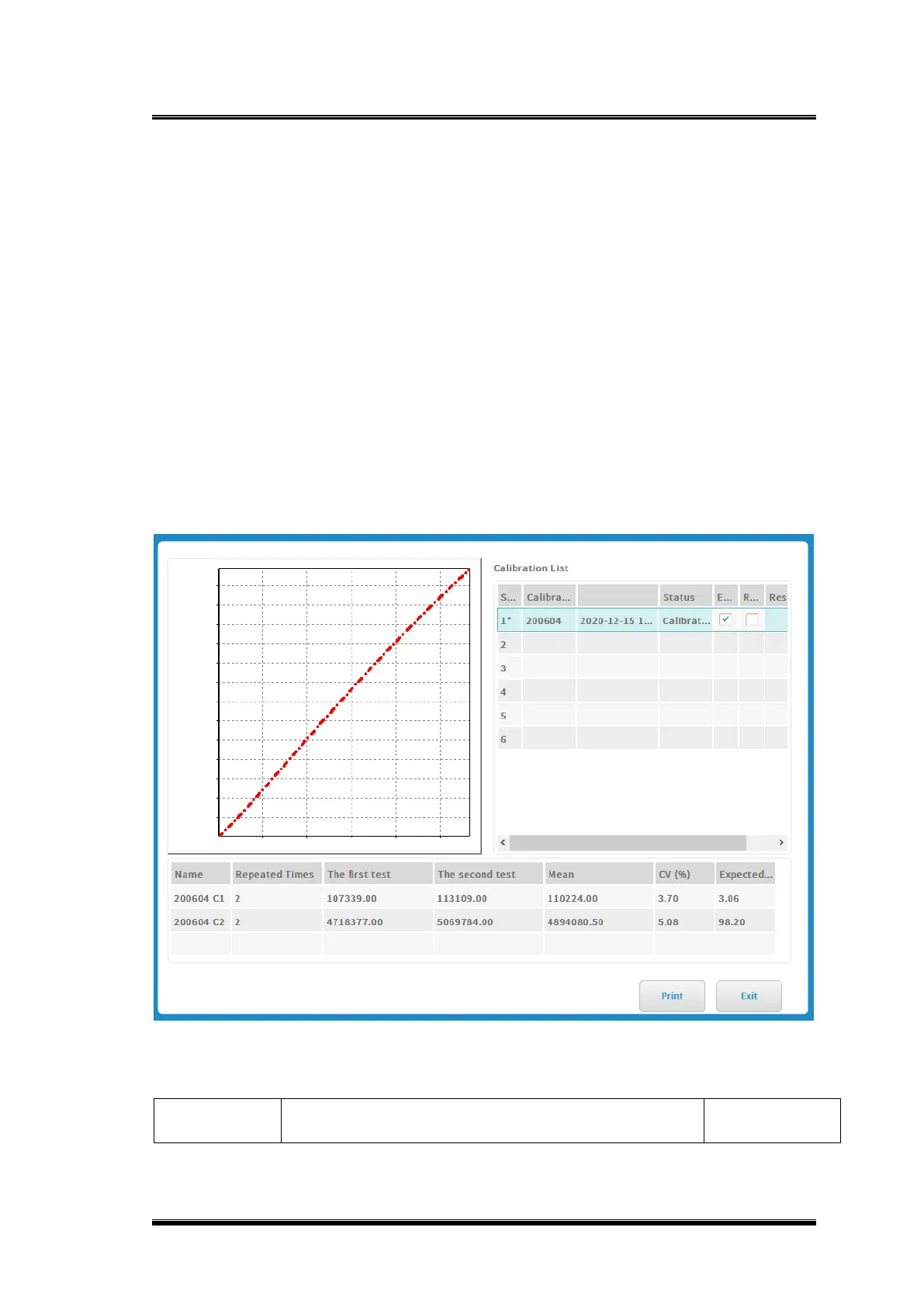
3.10.1.3. Calibration information
Figure 0-2 Calibration information
Basic parameter explanation



 To Next Page