Software System Operation
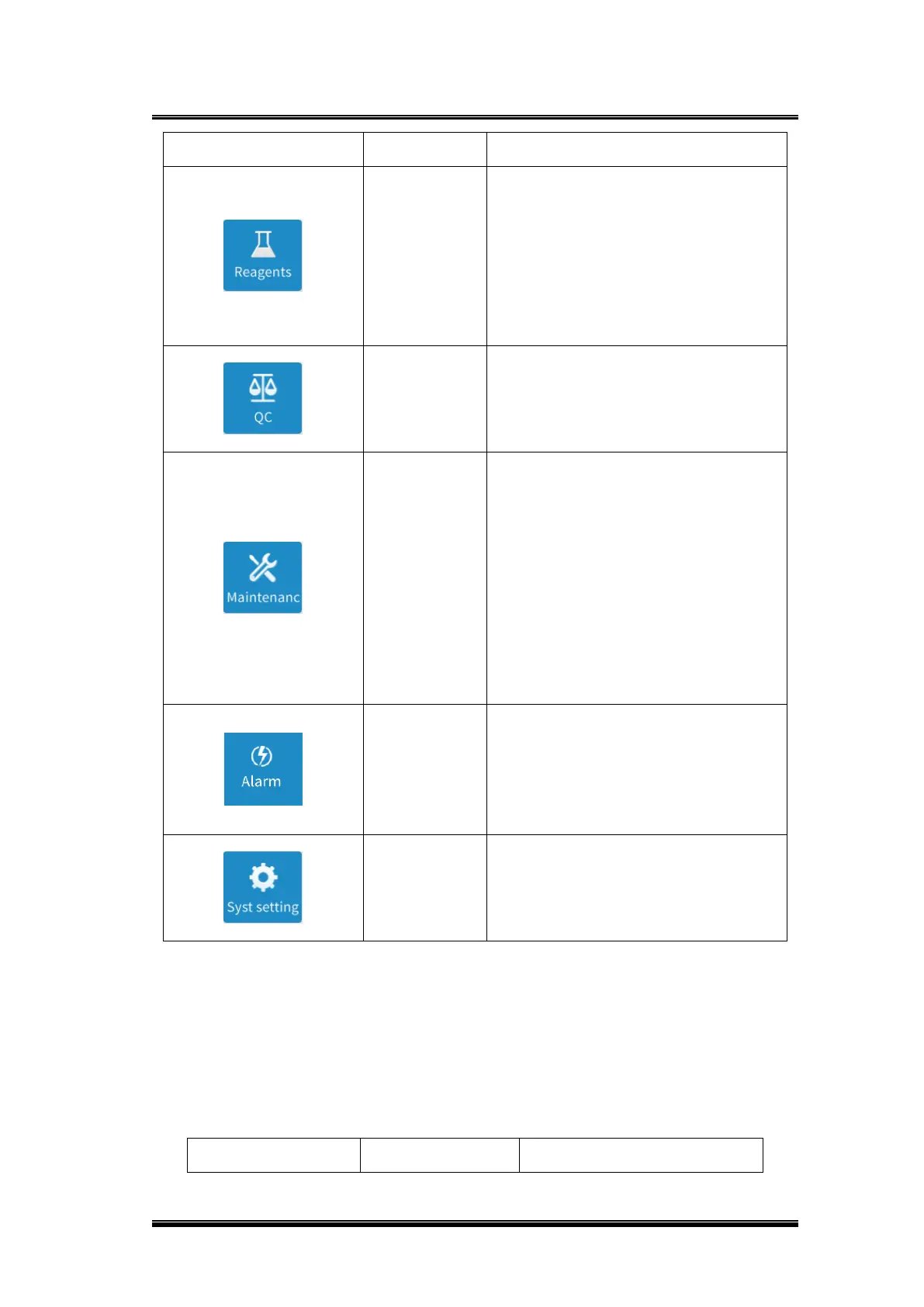
Enter the reagent management
function page, which has the functions
of transferring reagents to the specified
position, reagent calibration, scanning,
reagent loading, reagent unloading,
residual testing, querying reagent
calibration information, etc.
Enter the QC function page to set up
new QC items, request QC testing, set
QC parameters and search the QC
results.
Enter the maintenance function page.
Includes routine maintenance and
engineering maintenance. Routine
maintenance includes period
maintenance, regular maintenance,
resetting and troubleshooting of unit
modules, data backup, temperature
curve, consumables maintenance, unit
status; Engineering maintenance
includes maintenance and debug.
Enter the alarm interface. Display fault
level, fault description, fault reason,
fault treatment, fault can be deleted,
and time can be checked to query the
fault.
Open the settings function page.
Includes system settings, report
settings, department settings, user
information settings.
Status information area explanation:
The status information column mainly displays the logged-in username, equipment
status information and current time, etc.
Function display area explanation:
The function displays area displays different functions according to selection.
Equipment control area explanation:


 To Next Page