1) Select the reagent in the reagent list, and click [Reagent Unload] to unload the
reagent;
2) Click [Reagent Unload] to unload the reagents.
◼ Calibration information
Check all calibration results of the loaded batch of reagents, the calibration data,
master calibration curve, backup and print the calibration results in [Calibration
Information] interface.
◼ Scan master calibration curve
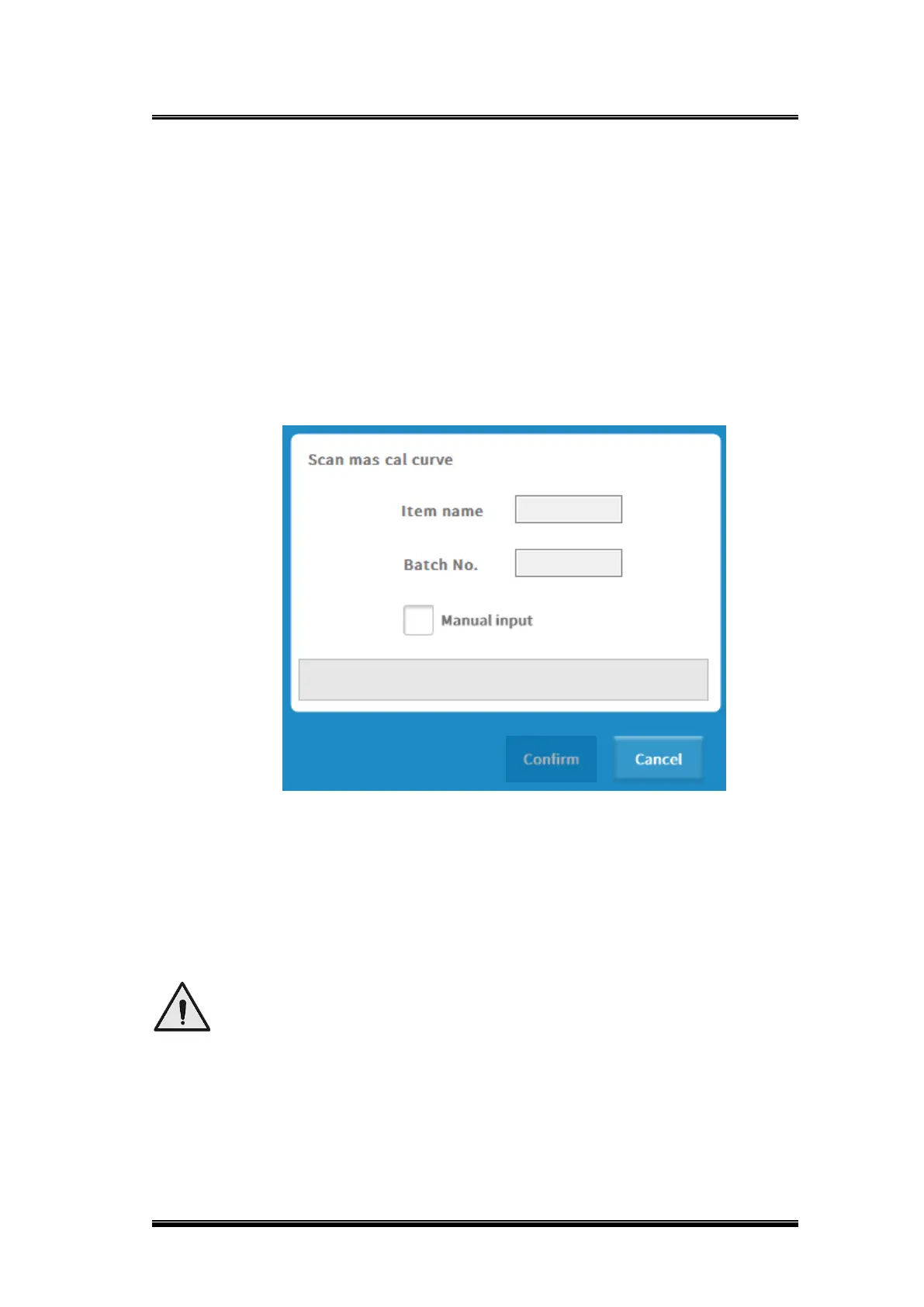
1) Scan the barcode of the master calibration curve with a barcode scanner, and
click [OK] after scanning;
Figure 0-5 Scanning master calibration curve interface
2) Scan the master calibration curve on the kit with an external barcode scanner;
3) Click [OK] when scanning is completed, refer to 3.7.2 for specific operations.
◼ Rotor
Click [Rotor], the analyzer tray will rotate to the reagent opening mouth automatically.
4.5.2.Other consumables
“Other consumables” interface includes substrate load and unload, solid waste container
management, etc., as shown below:



 To Next Page