1) Click [Reagent] - [Reagent List];
2) Select the items need to be calibrated;
3) Click [Calibration Request], refer to 3.10.1.1 for specific operations.
◼ Cancel calibration
Cancel the calibration request test, that is, delete the calibration request. refer to
3.10.1.2 for specific operations.
◼ Scan reagent tray
1) Click [Scan Reagent Tray], and the reagent scanning setting box will pop up;
2) Input the setting information to scan start position and scan end position;
3) Click [Start Scanning], the analyzer starts to scan the reagent tray automatically;
4) The reagent information column correspondingly displays the reagent
information, which means that the reagent scanning and loading is successful.
◼ Reagents load
The reagent tray scanning corresponds to reagents scanning and loading
automatically, and the loading reagent button corresponds to reagents load
manually.
1) Click a reagent position in [Reagent List] in reagent interface;
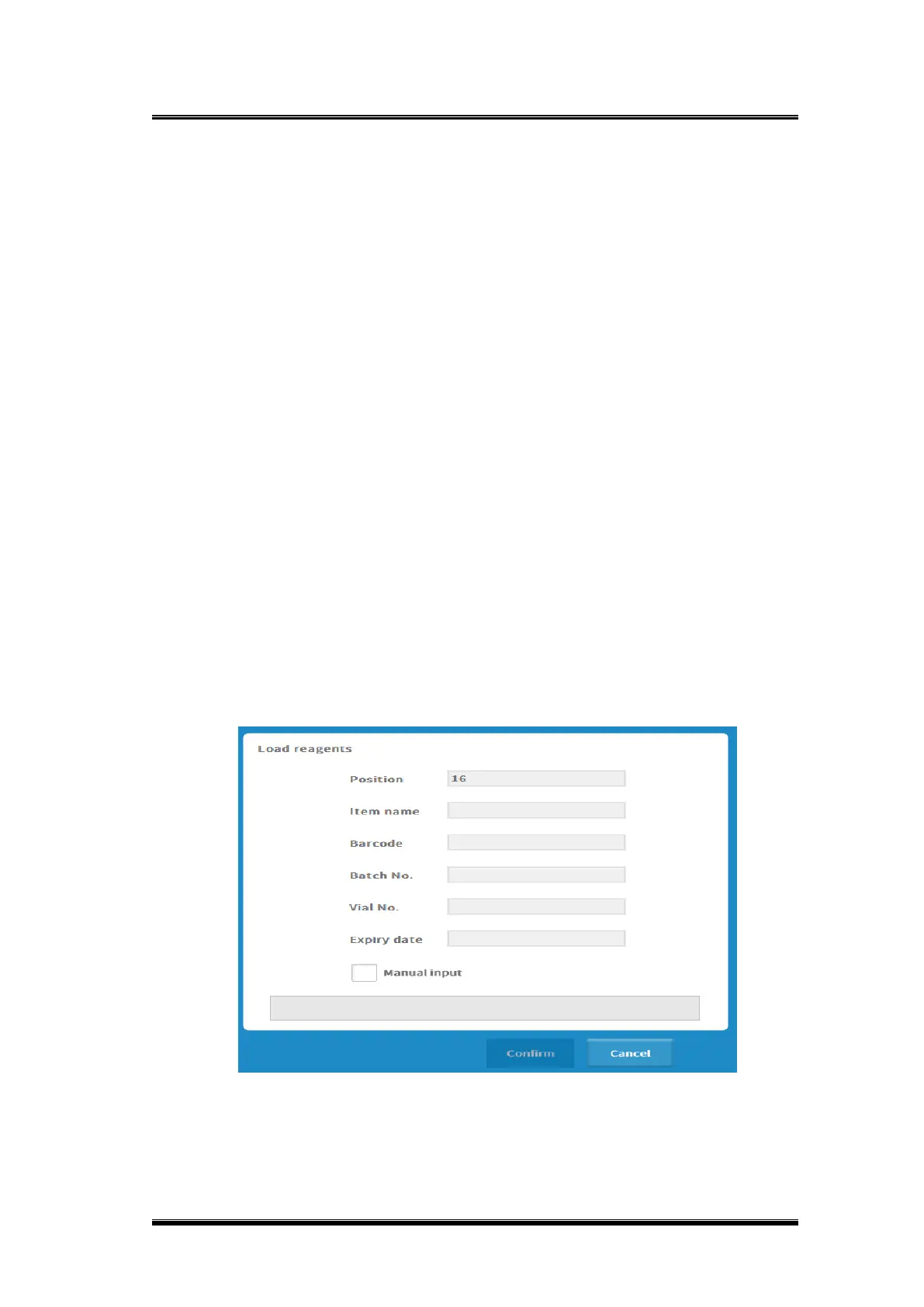
2) Click [Reagent Load], a reagent load scanning window will pop up, refer to 3.7.1
for specific operations.
Figure 0-7 Reagent load interface
◼ Reagent unload



 To Next Page