247Security Inc. | 4400 North Point Parkway, Suite # 158, Alpharetta, GA 30022, USA | 1-866-693-7492 | www.247securityinc.com
ZEUS mDVR
USERS MANUAL
15
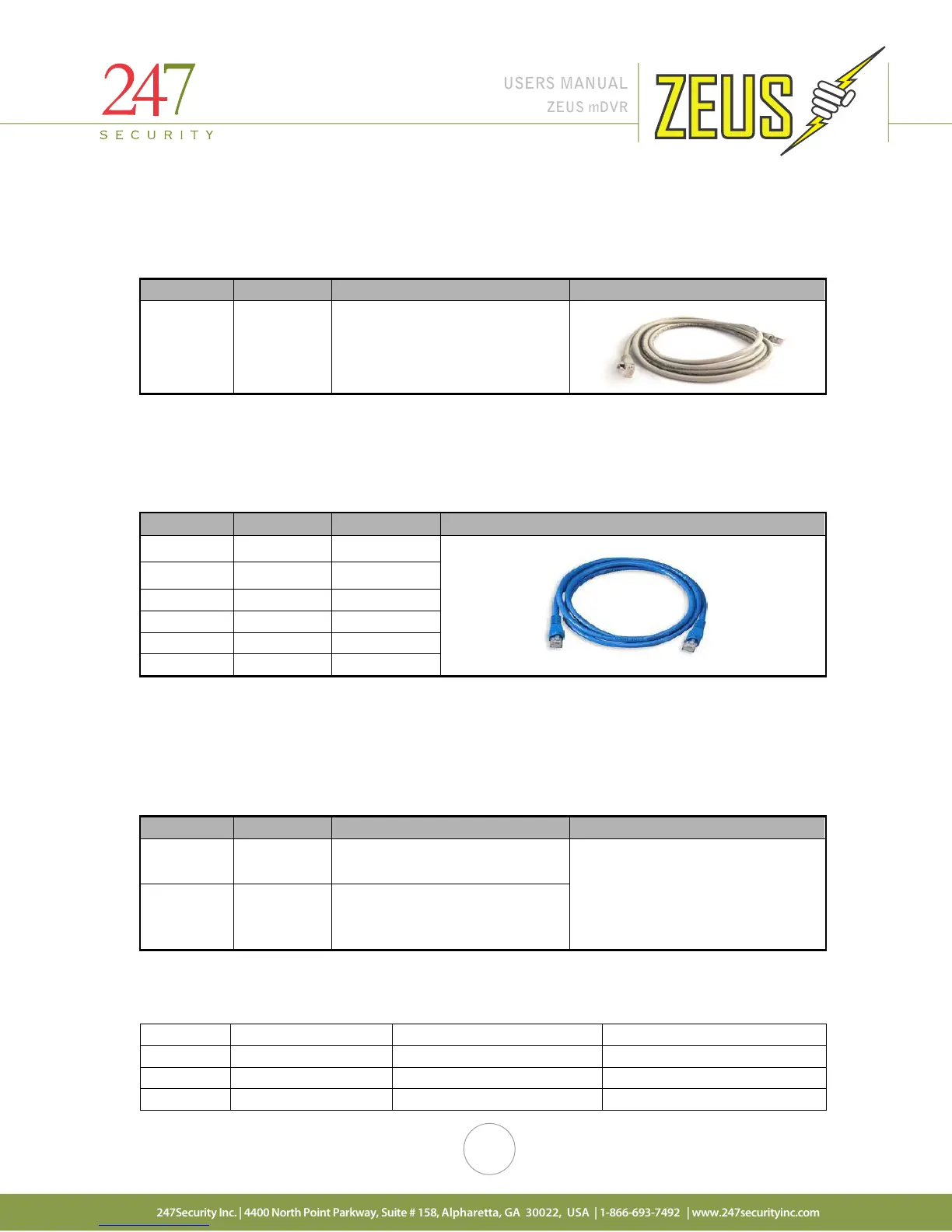
2.2.6 NETWORK CROSS-OVER CABLE
This cable connects a computer / laptop to the 10/100BASE-T LAN connector using the network
standard RJ45 connector so that user can setup the DVR parameters as well as preview the video and audio
from the video channels.
Connector Signal Description Picture
RJ45 Ethernet
Connects to 10/100BASE-T LAN
connector
2.2.7 POE Cable
The POE cable is only used for DVRs that use a M2 Client for wireless uploading and has a RJ50
connector on one end and a RJ45 connector on the other. The RJ50 connects to the DVR 10/100BASE-T front
port and the RJ45 connects to the M2 Client. Only used for ZEUSL hardware.
1 TX+ 1
2 TX- 2
3 RX+ 3
6 RX- 6
9 POE-GND 7,8
10 POE-12V 4,5
2.2.8 MINI USB CABLE
This cable connects the mDVR removable storage media to your computer or laptop for video / audio
playback. This is a standard USB 2.0 Type A to 5 Pin mini-B Cable which should be no longer than 12 to 16
inches. See section 6 for instructions on how to use the DVRViewer application to connect to the storage media
and play back your recorded video and audio.
Connector Signal Description Picture
USB 2.0
Type A
Connects to your computer
USB 2.0
5 Pin mini-
B
Connects to the mDVR storage
media
2.3 CAMERA LENSES, WHAT VIEW, WHAT LENS
The chart below can be used as a guide when ordering and installing cameras in your vehicle.



 To Next Page