247Security Inc. | 4400 North Point Parkway, Suite # 158, Alpharetta, GA 30022, USA | 1-866-693-7492 | www.247securityinc.com
ZEUS mDVR
USERS MANUAL
39
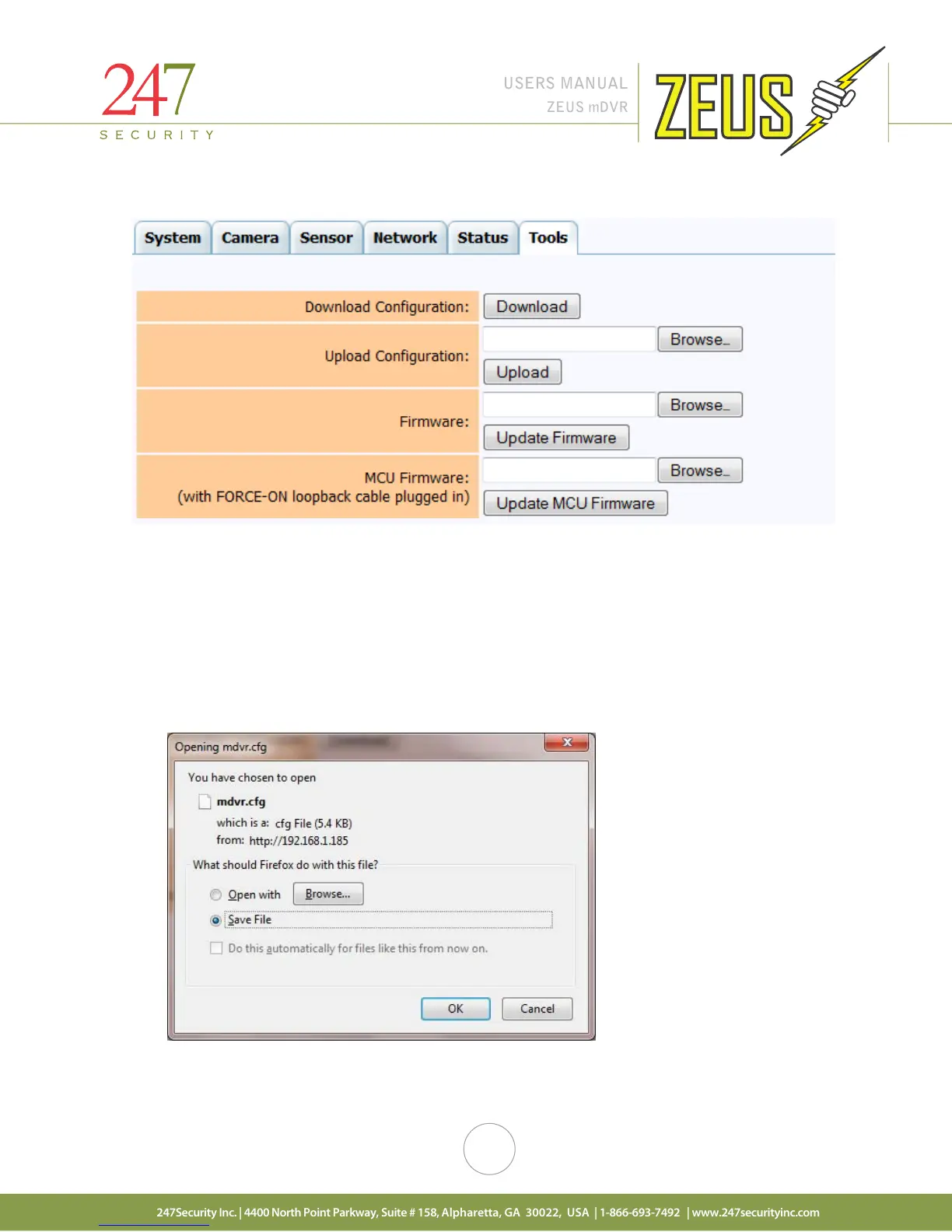
4.13 TOOLS MENU
This tab will allow the user to back up the DVR configuration as well as update the firmware. There may be
future releases of the DVR firmware that may contain new features or improvements. Contact your dealer for
firmware updates.
4.13.1 DOWNLOAD CONFIGURATION
This option is useful and will save you time when multiple ZEUS systems need to be configured. Once
the DVR has been configured, click the “Download” button to save your settings to a file on your desktop or a
location of your choice.
Click the “Download” button and the following window will appear
Select “OK” button then system opens dialog and allow save file



 To Next Page