247Security Inc. | 4400 North Point Parkway, Suite # 158, Alpharetta, GA 30022, USA | 1-866-693-7492 | www.247securityinc.com
ZEUS mDVR
USERS MANUAL
35
4.9.14 RECORDING NOTIFICATION
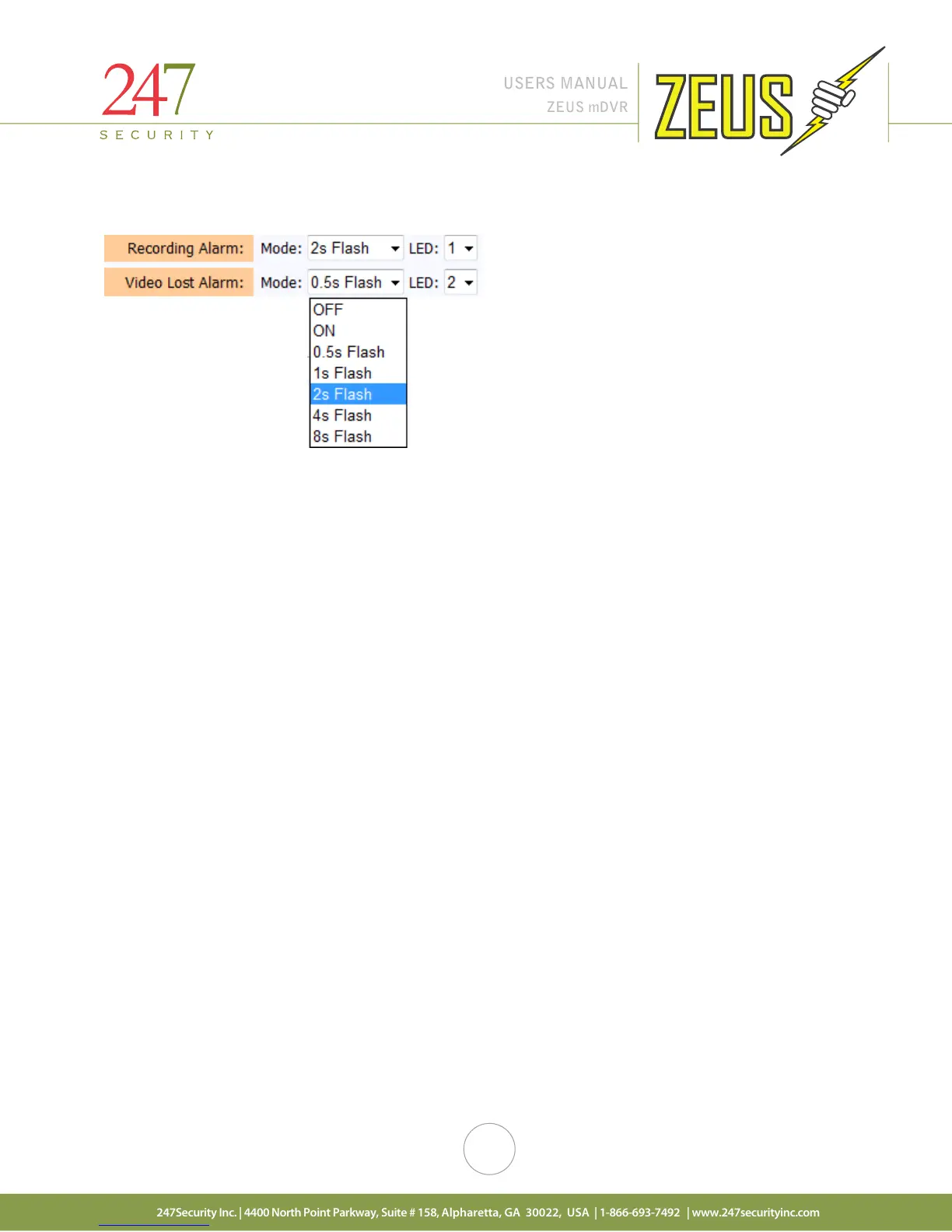
The ZEUS has four digital outputs that can be used to configure alarms. You can assign any of these
events (Recording, Video Lost) to a specific output by changing the output number. For example, recording
status is sent to Digital Output 1, Video Lost status is sent to Digital Output 2. The Digital Output 1 and 2 are
connected to the event marker labeled “Recording” and “Video Lost”. Digital Output 3 and 4 can be connected
to external LEDs inside the vehicle using the ZEUS sensor/alarm cable harness.
You can also control the LED mode by clicking on the “Mode” drop menu and selecting either flashing
by interval, on or off when the event occurs.



 To Next Page