247Security Inc. | 4400 North Point Parkway, Suite # 158, Alpharetta, GA 30022, USA | 1-866-693-7492 | www.247securityinc.com
ZEUS mDVR
USERS MANUAL
54
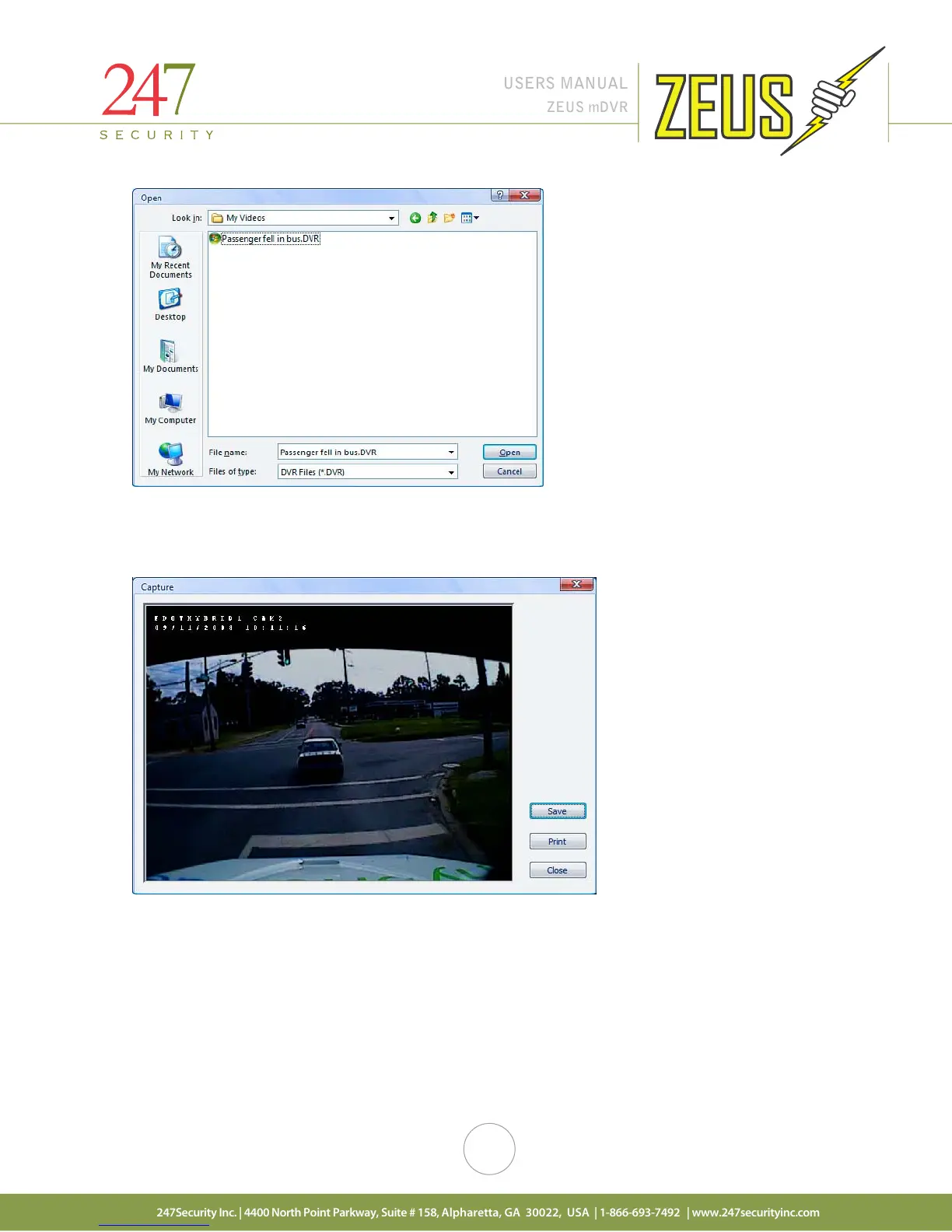
5.11 SNAPSHOT
This feature enables the user to create a single frame snapshot of the active camera and then save it as
jpeg picture file or print it directly to a printer attached to the laptop / computer.
5.12 USERS
5.12.1 USER MANAGEMENT
From the main screen click on “Users” to access the ZEUS user management interfaces. There are two
types of users, “User” with limited rights or “Administrator” with full access to the ZEUS system. A standard
user with limited rights can preview and copy recorded video files from storage media. A user setup with
Administer rights can control, configure, copy and delete video, update software and firmware, erase media
storage, etc. …



 To Next Page