Configuring Address Tables 115
Viewing Address
Table Settings
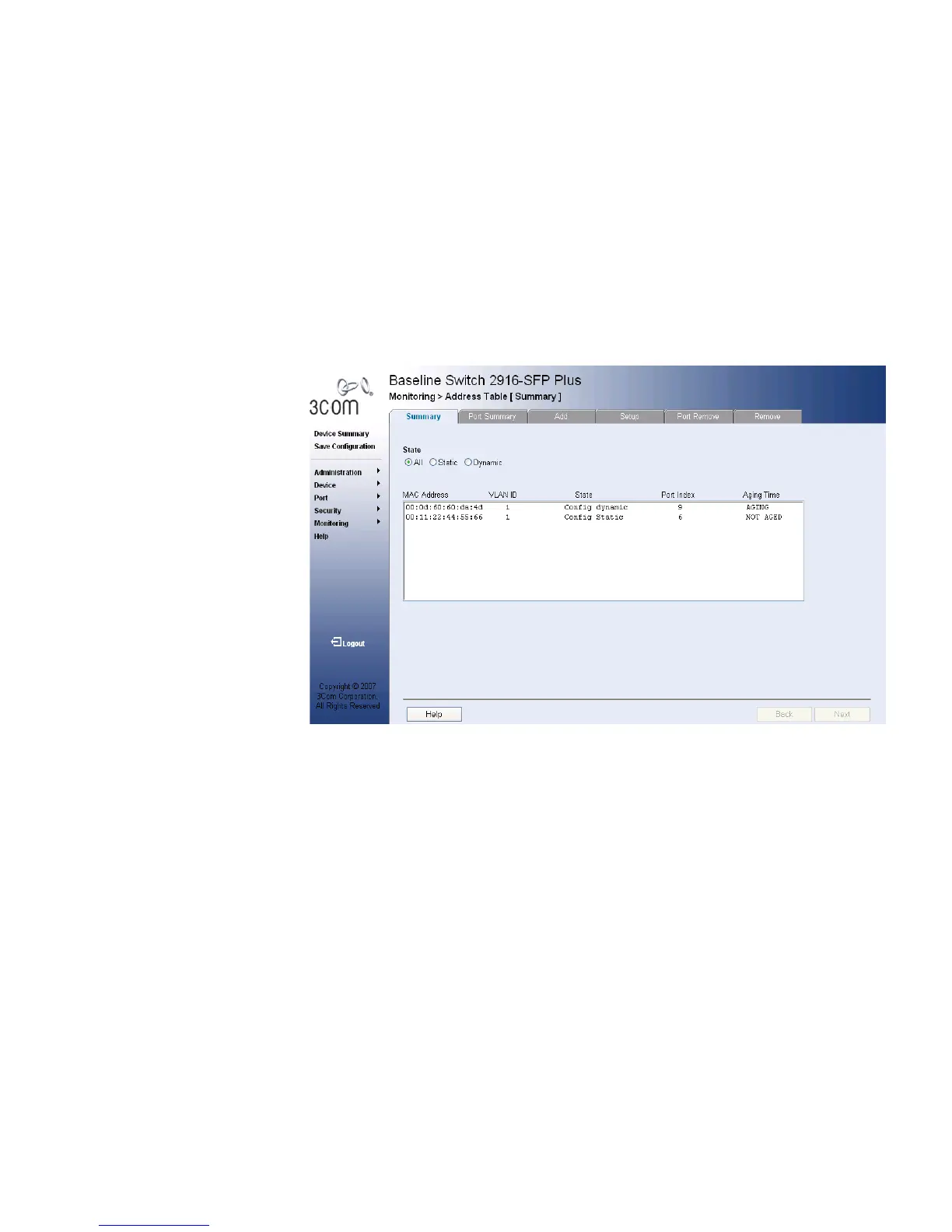
The Address Table Summary Page displays the current MAC address table
configuration.
To view Address Table settings:
1 Click Monitoring > Address Tables > Summary. The Address Table
Summary Page opens:
Figure 62 Address Table Summary Page
The Address Table Summary Page contains the following fields:
■ State — Filters the list of MAC Addresses displayed according to the
type of MAC Address configuration. Possible values are:
■ All — Displays all MAC Addresses.
■ Static — Displays the MAC Addresses that were entered by a user.
■ Dynamic — Displays the MAC Addresses that were detected by the
switch.
■ MAC Address — Displays the current MAC addresses listed in the
MAC address table, filtered by the selected value of the State field.
■ VLAN ID — Displays the VLAN ID attached to the MAC Address.
■ State — Displays a table display based on the type of MAC address.
Possible values are:
■ Config Static — Indicates the MAC address is statically configured.










 To Next Page