Defining Access Control Lists 63
■ Permit — Forwards packets which meet the ACL criteria.
■ Deny — Drops packets which meet the ACL criteria.
■ Shutdown — Drops packet that meets the ACL criteria, and
disables the port to which the packet was addressed. Ports are
reactivated from the Port Administration Setup Page.
2 Define the fields.
3 Click Apply. The MAC based settings are modified, and the device is
updated.
Removing MAC Based
ACLs
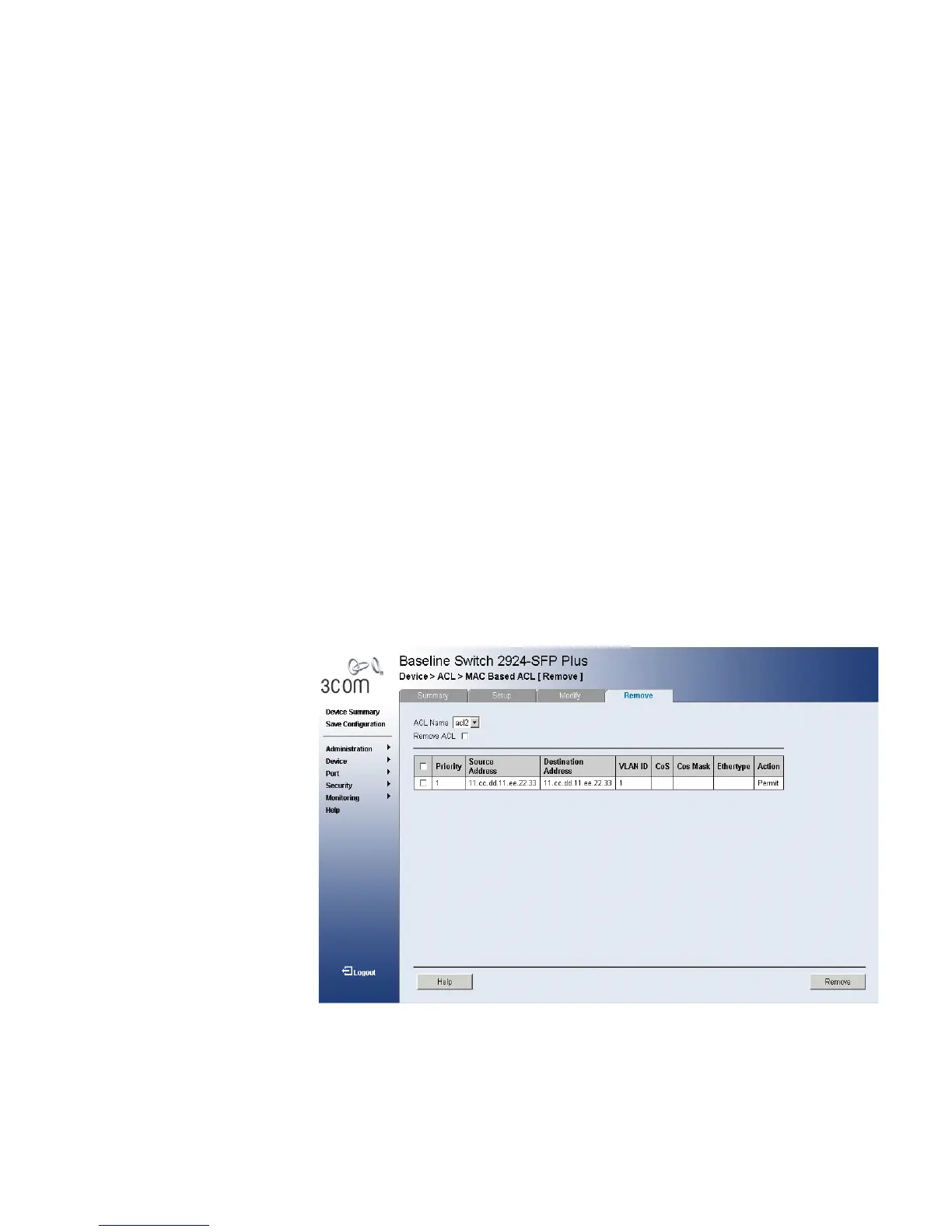
The MAC Based ACL Remove Page allows the user to remove MAC Based
ACLs.
Monitor users have no access to this page.
To remove MAC Based ACLs:
1 Click Device > ACL > MAC Based ACL > Remove. The MAC Based ACL
Remove Page opens:
Figure 31 MAC Based ACL Remove Page
The MAC Based ACL Remove Page contains the following fields:
■ ACL Name — Contains a list of the MAC-based ACLs.
■ Remove ACL — Enables the ACL to be removed.











 To Next Page