3D Systems, Inc.
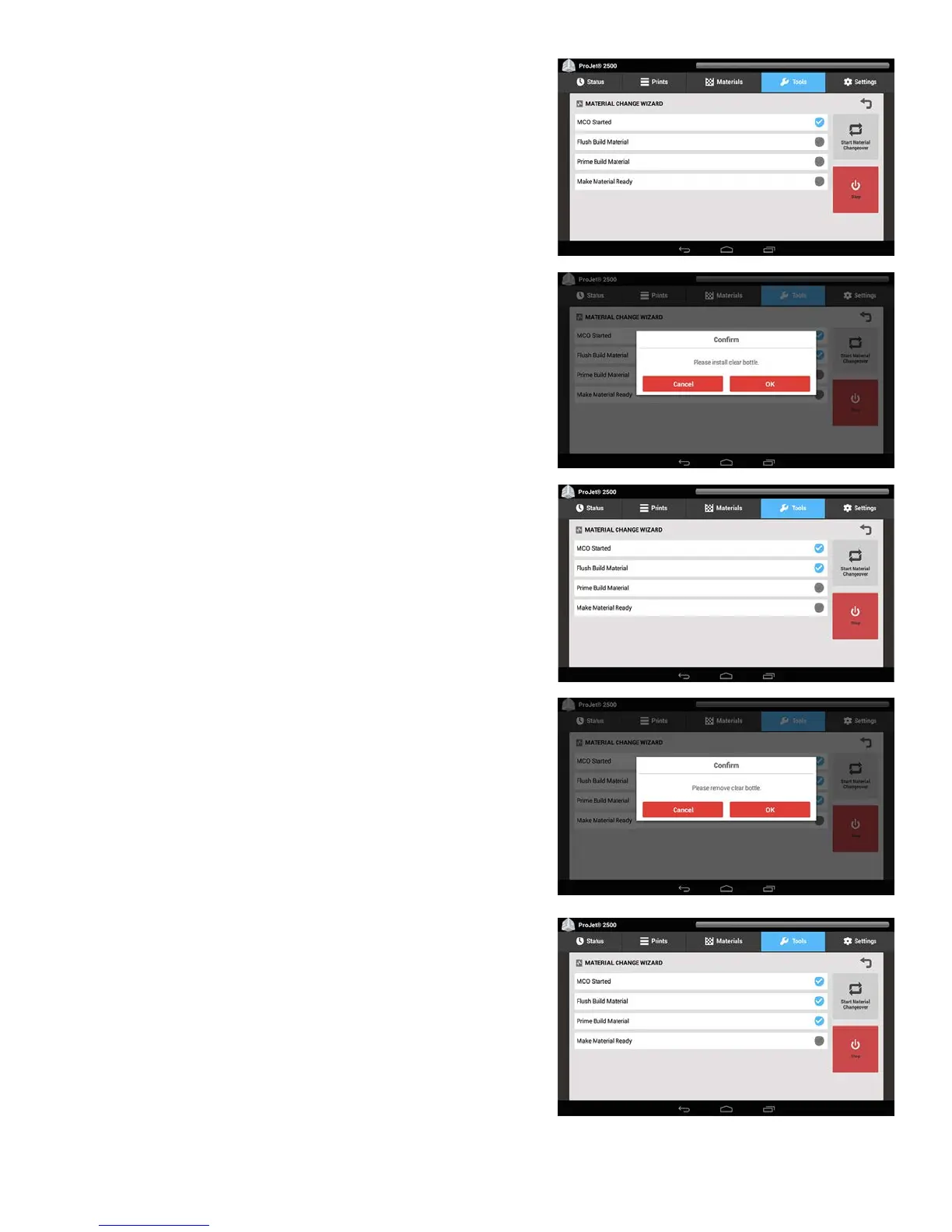
This will start the MCO process in the printer.
To ush the entire system at this time you must install two cartridges of clear part
material in the MDM to allow both reservoirs to sufciently ush out all the previous
material from the printer.
6. Install two cartridges of clear material and select OK.
While the previous part material is being ushed out of the printer this screen
will appear.
7. Next you will be asked to remove the clear part material cartridges.
Remove both cartridges and select OK.
The next screen that appears is this one with the Prime Build Material checked
as shown.
36










 To Next Page