3D Systems, Inc.
PRINT PLATFORM REMOVAL AND INSTALLATION
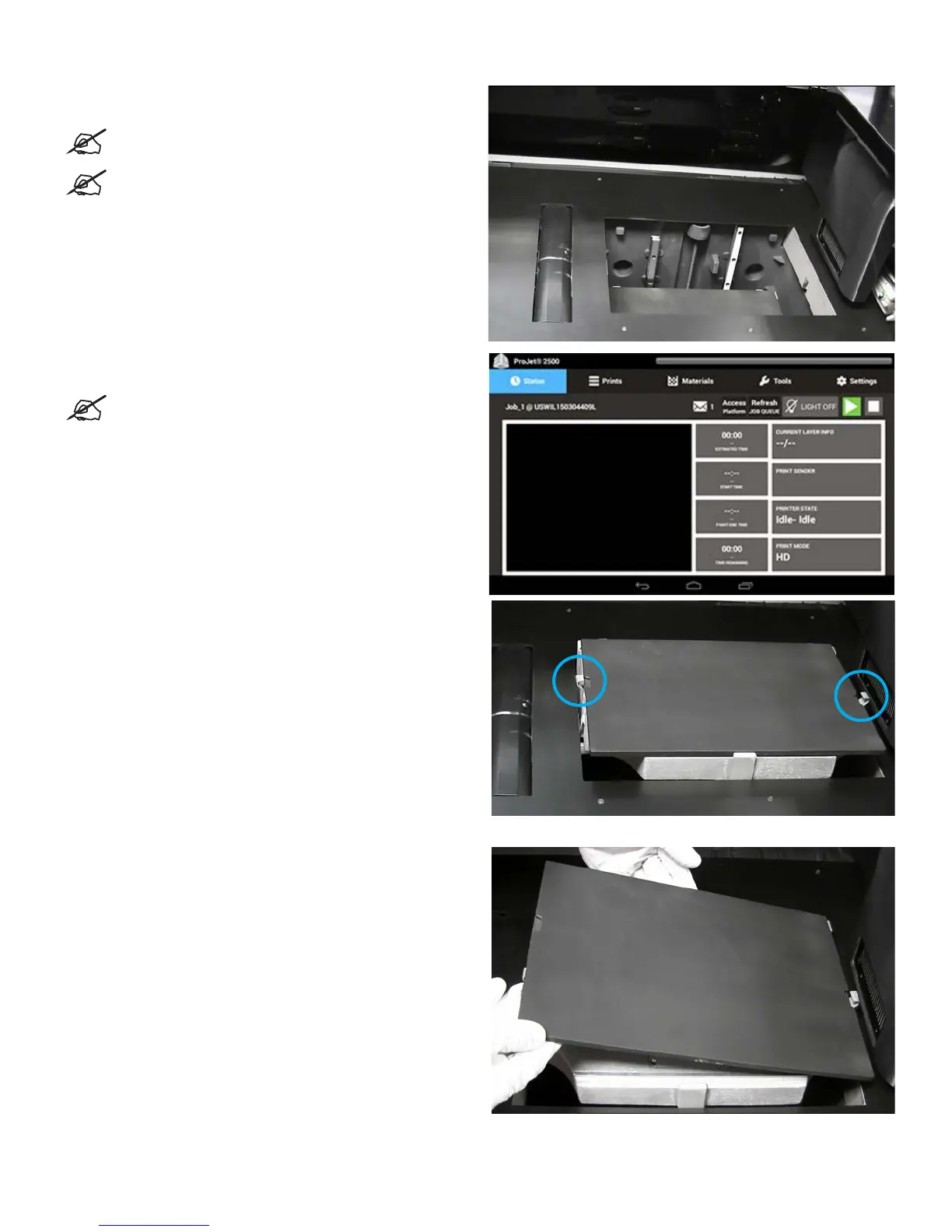
1. Ensure the printer is turned on and the Printer State is in Idle
or Standby mode.
NOTE: This is the normal state you should nd the
printer in when you open the door.
NOTE: Make sure you are wearing nitrile gloves
before performing this procedure. Always protect
yourself from possible exposure to materials.
2. Select the Access Platform button on the printer
touchscreen.
NOTE: The Access Platform will not be available
to select if the printer is not ready for the user to
access the print platform.
3. The printer will move the plate into place in order to allow
access to the build platform. When prompted, open the door
to access the print platform.
4. Wearing nitrile gloves, lift platform off of plate.
31










 To Next Page