N5071 Speed Dome Network Camera H.264 / D1 Real-Time
- 15 -
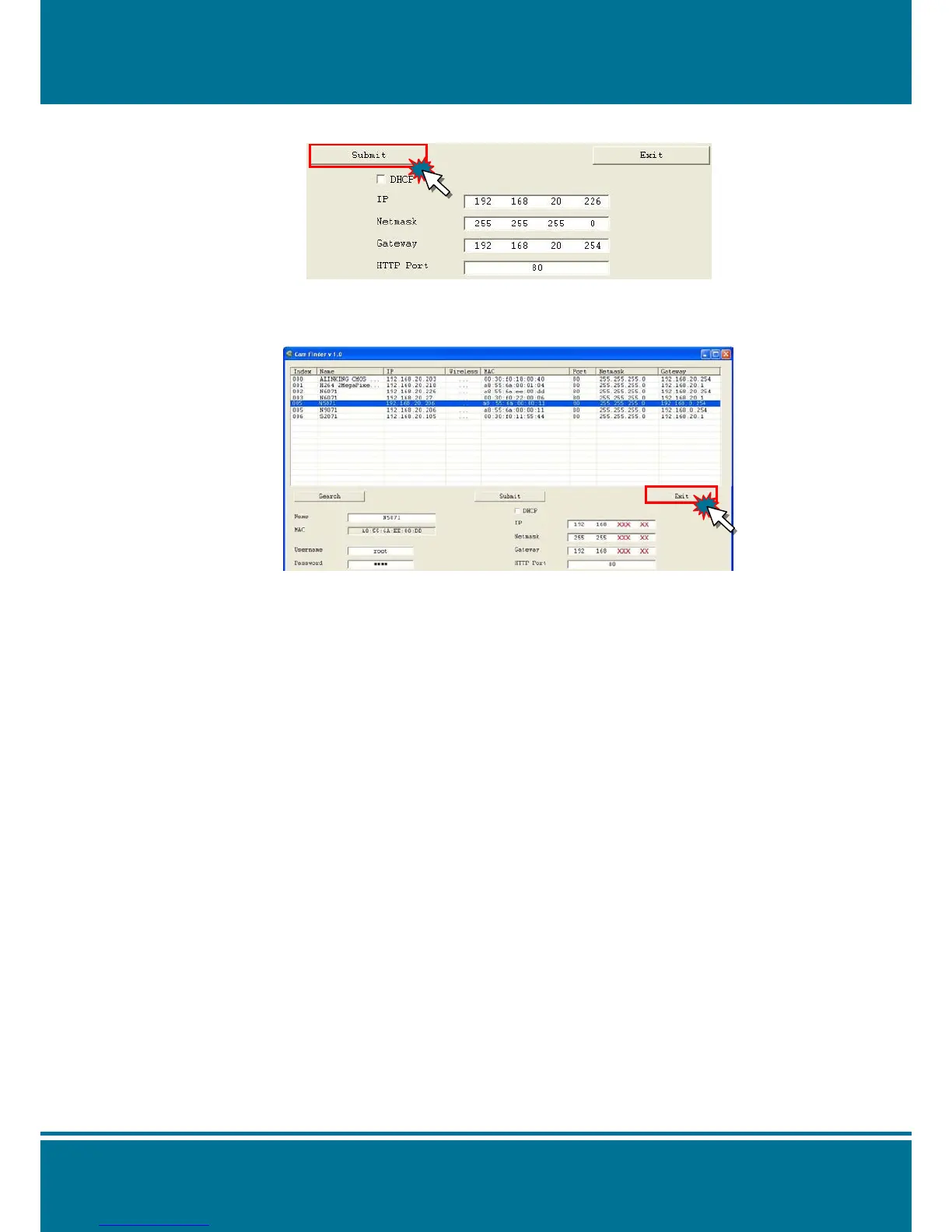
4. Submit data
Click Submit to apply the new settings.
5. Confirmation
Click Exit to quit, after all changes have been confirmed.
NOTE :
The Cam Finder can only find the IP addresses of the cameras that share the same hub
on the LAN. For more information about finding IP addresses on the Internet, refer to the
“DDNS Setting”, or “UpnP Setting”.
All UIC camera/network server products can be found and changed using the Cam Finder
software.
When the Cam Finder software cannot be executed, check your antivirus software or
firewall to remove the block.
Field description: You can give a name to your camera (such as “IR_IP” or “IR-IP”). No
spaces allowed (such as “PI IP”).
You can change the settings for IP, Gateway Address and Network Mask to meet the
requirements of your network environment. N5071 Speed Dome Network Camera uses
HTTP Port1 and does not support Port2 settings.
MAC: Factory default network identity of N5071 Speed Dome Network Camera.



 To Next Page