N5071 Speed Dome Network Camera H.264 / D1 Real-Time
- 29 -
Shortcuts
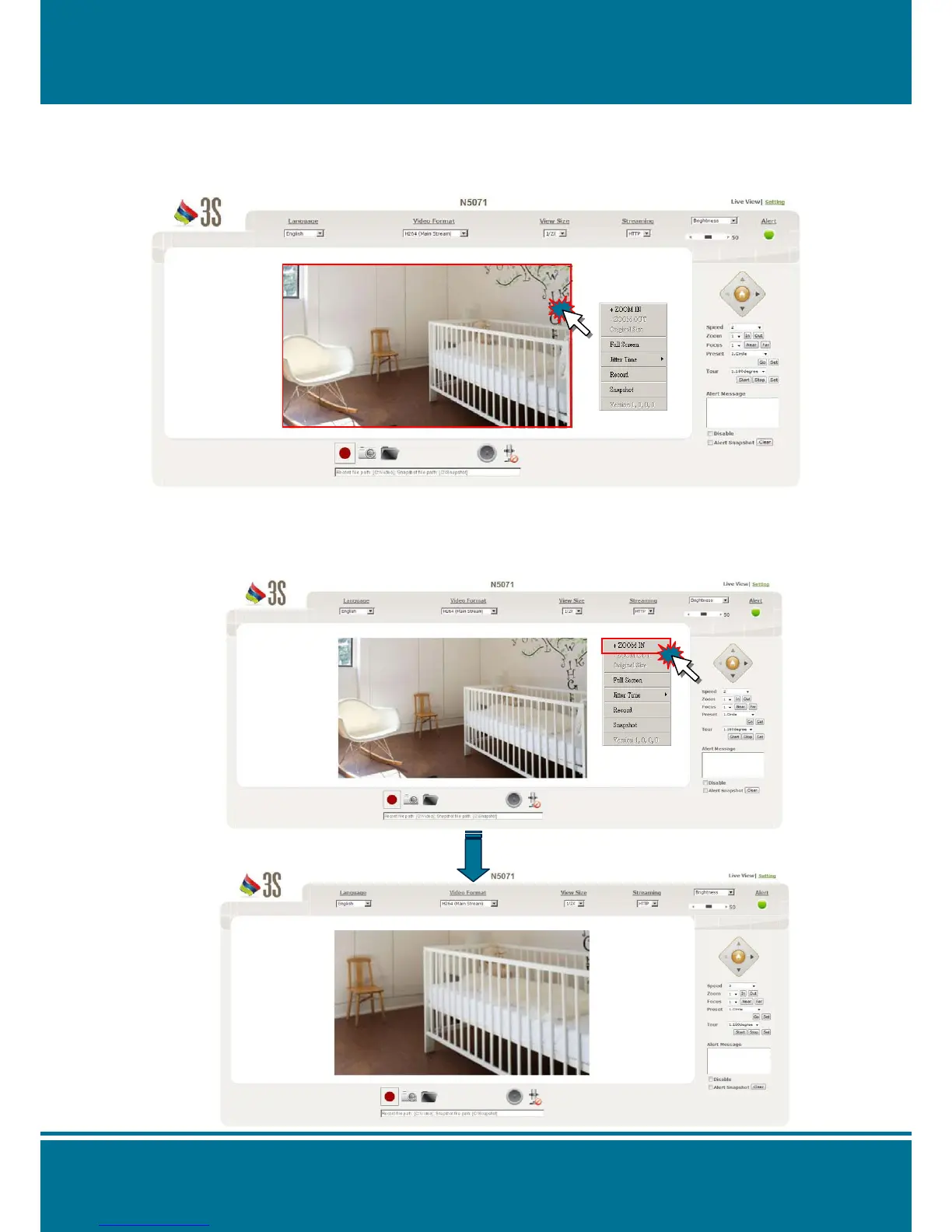
Click the right-button of your mouse in Live View mode to display the Shortcuts List.
Choose the option directly depend on different system requirements.
The detail function illustration as below:
+ZOOM IN
Click the right button of your mouse and select +ZOOM IN to enlarge the image. The
navigation screen indicates the part of the image being magnified.
8 Levels of zoom in/out are supported.



 To Next Page