N5071 Speed Dome Network Camera H.264 / D1 Real-Time
- 9 -
Getting Started
Before getting to start N5071 Speed Dome Network Camera, please adjust N5071 in
accordance with the following steps first.
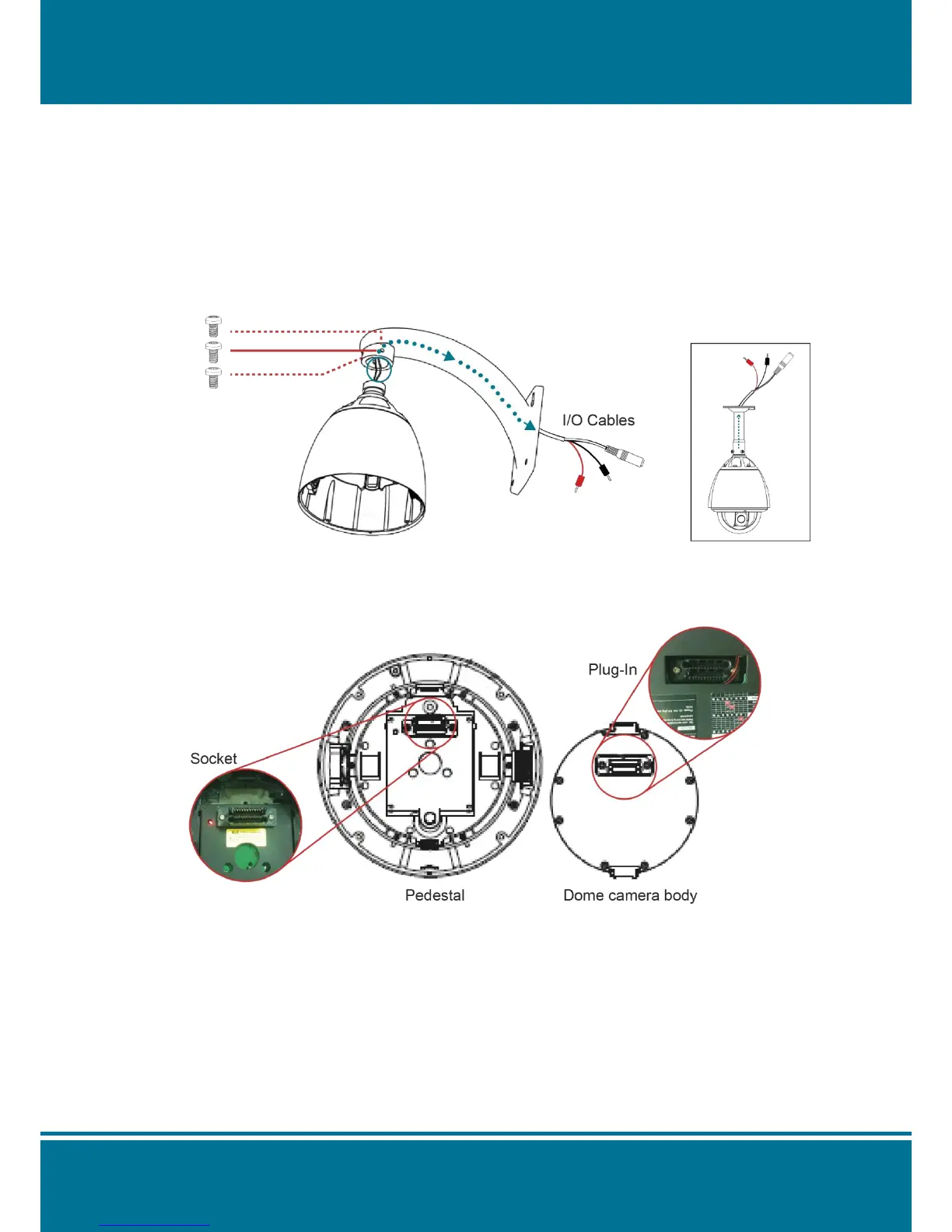
1. Stabilize the Hardware
Use the screwdriver to lock the bracket and Pedestal securely by three M6 screws after the
I/O cables are put into the bracket.
2. Set the address, system baud rate and protocol by configuring DIP switches SW1 and
SW3 which are located on the bottom of the dome camera body.



 To Next Page