N5071 Speed Dome Network Camera H.264 / D1 Real-Time
- 85 -
DDNS Application
How to apply and setup the DDNS service?
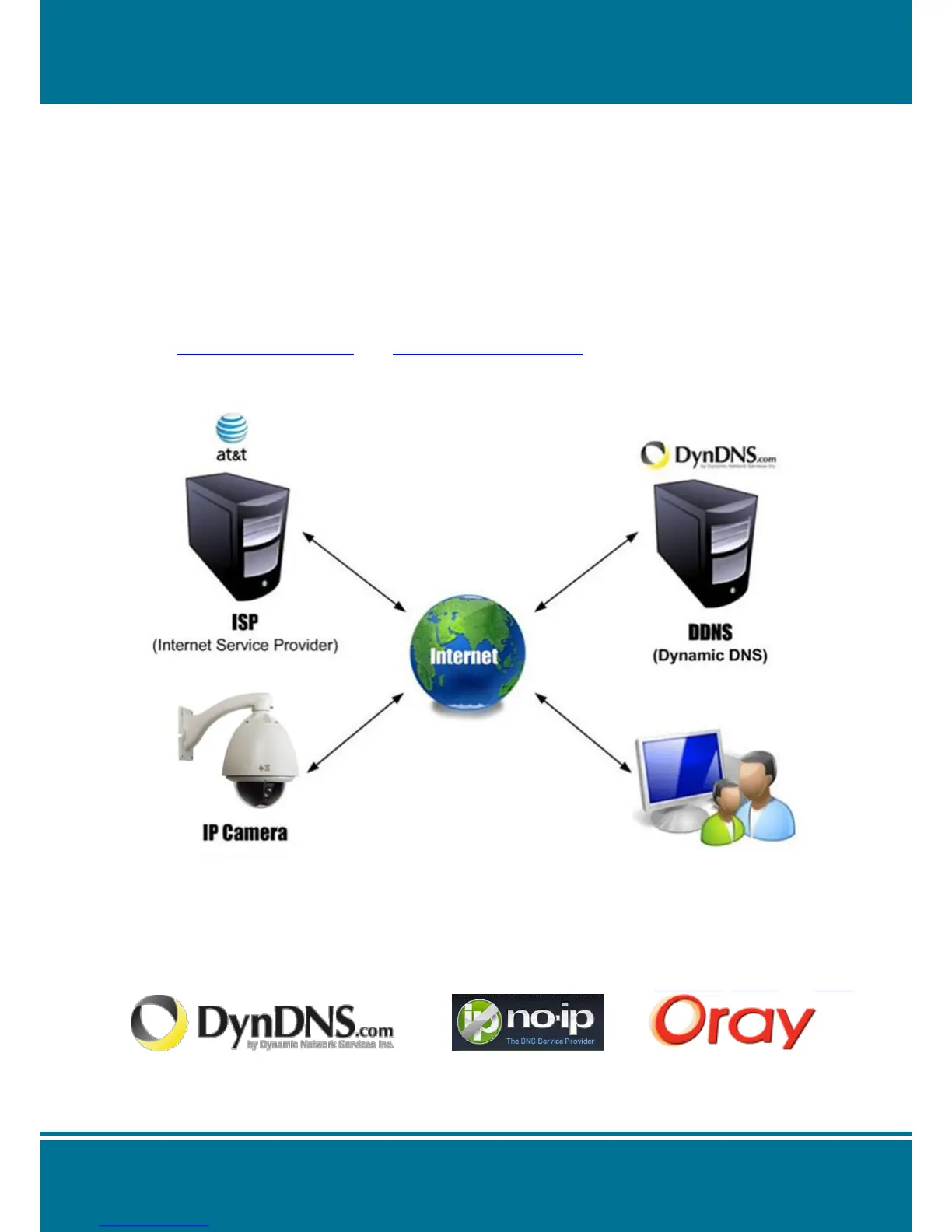
The DDNS (Dynamic DNS) is an application for network service. It can help you to solve the
problem of dynamic IP change in network device. You can assign a name for favorable
website to correspond with device IP address through DDNS.
(e.g.: www. IP Camera.com and www.VideoServer.com).
After the setting is completed, you can connect the IP device through you have assigned the
name.
Firstly, please apply for an account from a DDNS supplier. These DDNS suppliers provide
some free services for the users on the world. This chapter will demonstrate a step by step
method of how to set up a DDNS account, for the example we illustrate here is DynDNS.
Please follow the illustration as below:
NOTE:
You can find some free DDNS suppliers on Internet. For example: DynDNS, No-IP and Oray.



 To Next Page