N5071 Speed Dome Network Camera H.264 / D1 Real-Time
- 31 -
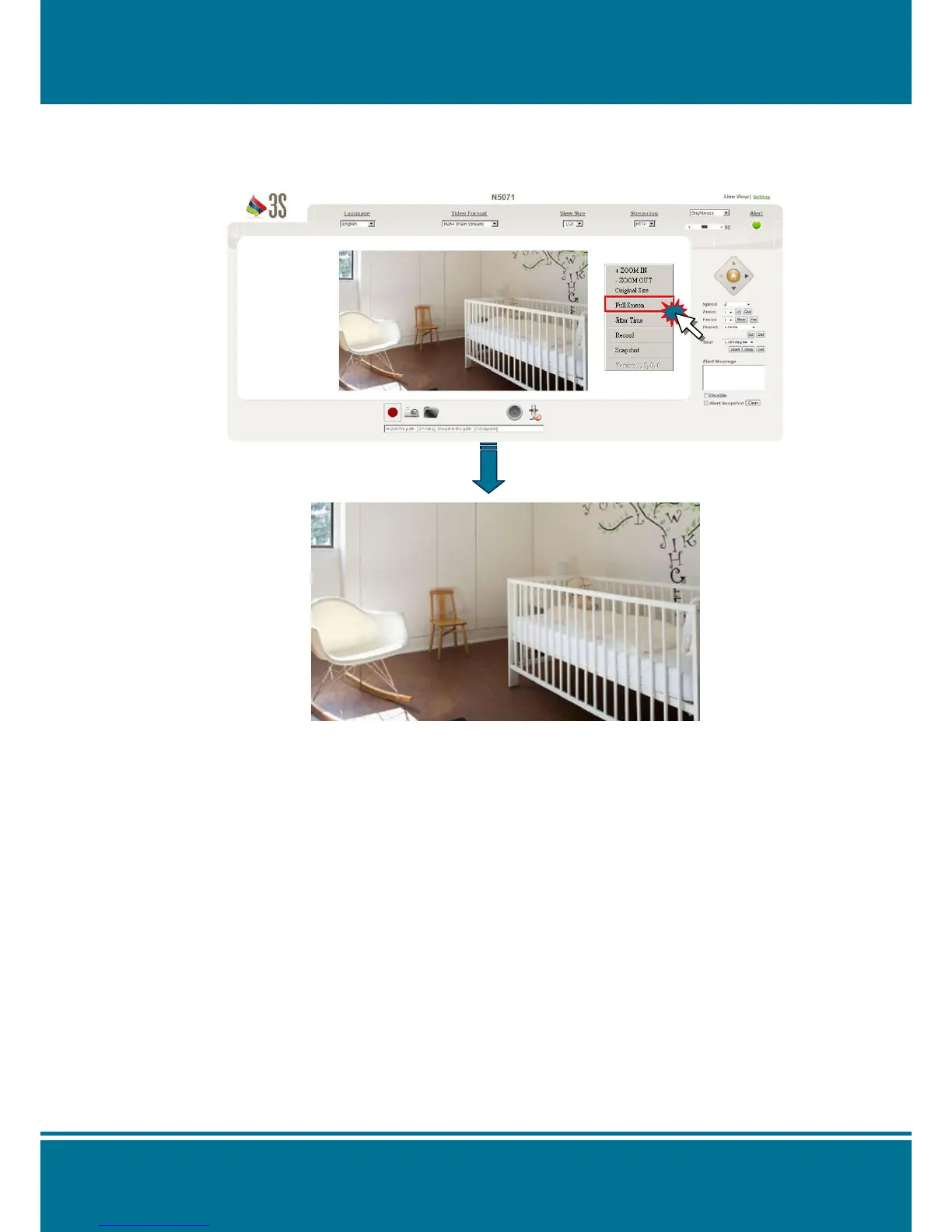
Full Screen
Click the right button of your mouse and select Full Screen to change the screen to full
screen mode and release it by click the button again. You can also release it by click the
“ESC” button on the keyboard.
NOTE:
You can also use the other shortcuts function when it is enable.
Jitter Time
Click the right button of your mouse and select Jitter Time to set up the buffer time to
make audio sync which can help the video and audio smoother.
It is not a standard settings but according to your bandwidth to adjust the buffer time.
7 kinds of parameters are supported as below: N/A, 150ms, 300ms, 500ms, 1s, 3s and 5s.
The delay time will appear probably in the image if the jitter time is highest.
150ms is the default parameter.



 To Next Page