N5071 Speed Dome Network Camera H.264 / D1 Real-Time
- 16 -
Ready to Use
Access to the IP Camera
You can access the IP Camera through web browsers, follow the instructions to install the
required plug-in on your computer.
1. Using Web Browsers
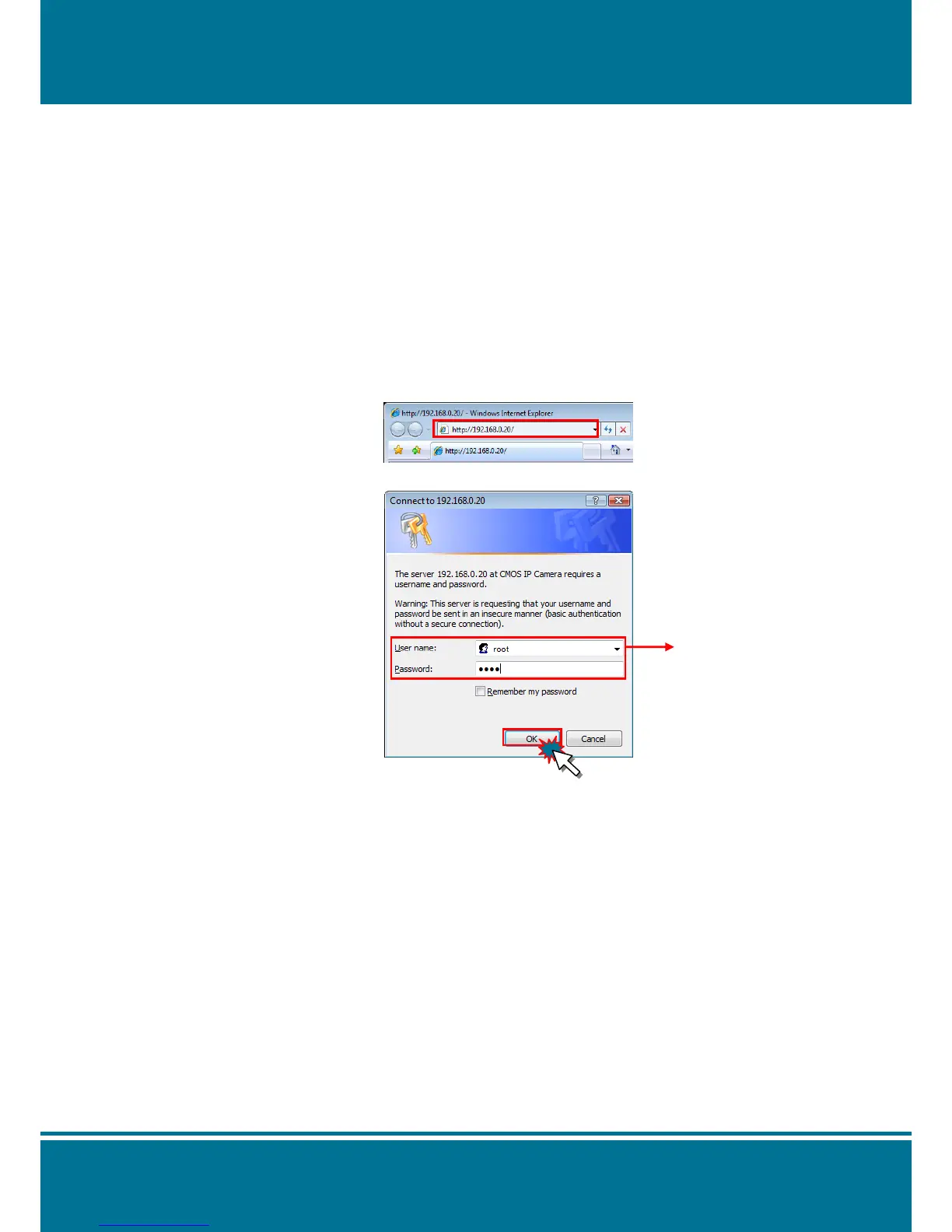
Launch your web browser. (eg. Microsoft Internet Explorer, Mozilla Firefox or Netscape…)
and enter the IP address of the IP Camera in the address field.
After fill in "root" in the User Name and Password fields, Click OK.
NOTE:
1. If the web browser cannot be display the Camera Main Page, please make reference to
the chapter of Appendix: Change the Inter Explorer Setting for further detailed
description.
2. You can access the camera as an administrator by default and set up for other users or
privileges from the “Basic Settings” “User”.



 To Next Page