N5071 Speed Dome Network Camera H.264 / D1 Real-Time
- 78 -
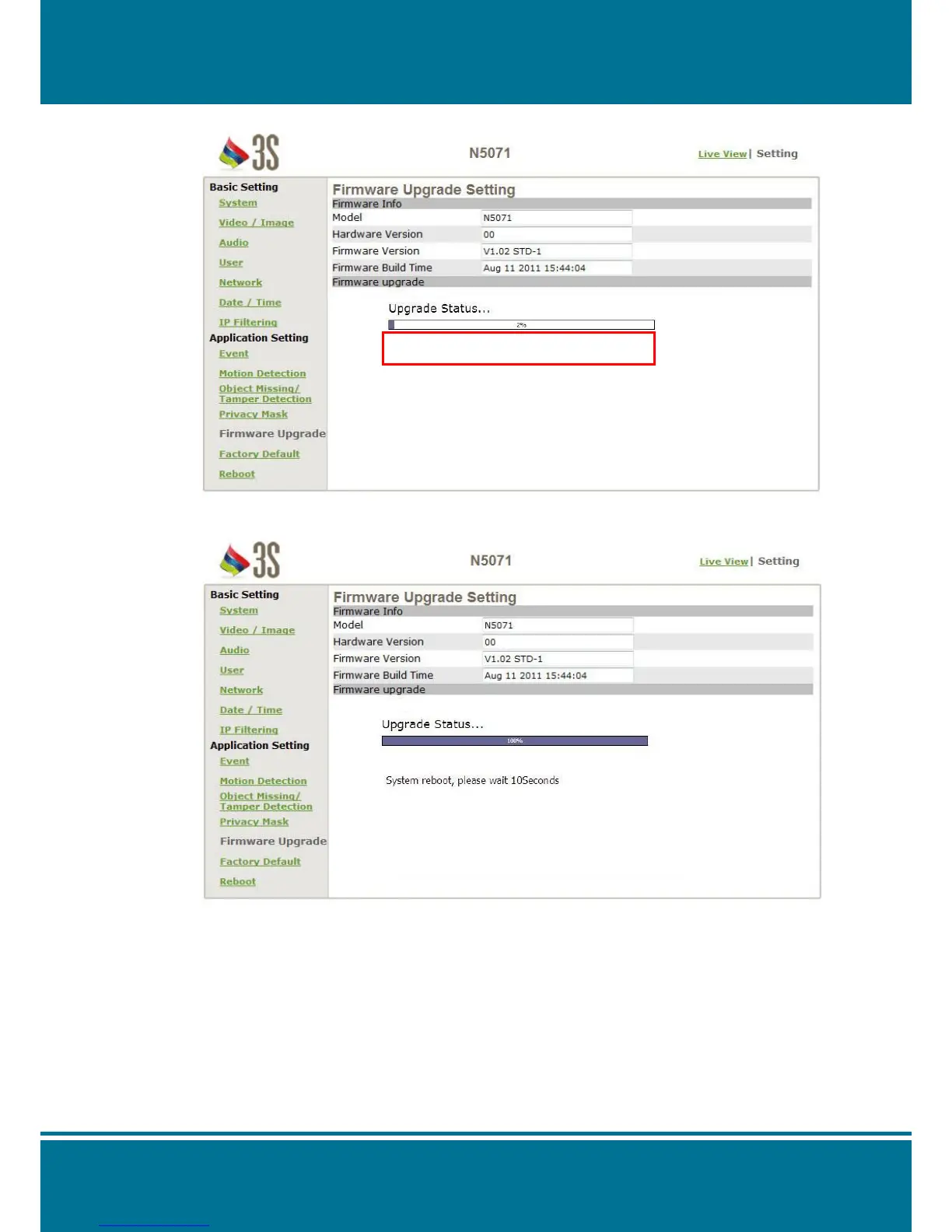
5. The progressing status of the firmware upgrade will show on your screen.
6. N5071 Speed Dome Network Camera reboots automatically after the firmware has
been upgrade completed. Reconnect to the server after 60 seconds.
NOTE:
1. Please be careful and make sure there is no any interrupted during the process of the
firmware upgrade because of the firmware is burned into the Flash Rom then.
2. System will probably damage seriously and need to rest to the factory default for
repair it if the power cable has been removed or becomes loose during the upgrade.
3. It is not recommend you to upgrade the firmware in a wireless network environment
because of the unstable packet transmission may conduce to data loss.
4. It is not necessary for you to restart the camera by manual after the firmware upgrade
completed. The camera will reboot automatically after 60 seconds (Reboot OK), and
it will open the IE Browser and filled in the IP address (The original IP address
remains undeleted).



 To Next Page