User’s Manual
User’s ManualUser’s Manual
User’s Manual
EAP200
EAP200EAP200
EAP200 Enterprise Access Point ENGLISH
38
Copyright © 4IPNET, INC.
7.1 System
Upon clicking on the System button, users can work on this section for general configurations of the
devices (e.g. Time Setup, Network Configurations, and System Logs). This section includes the following
functions: General, Network Interface, Management, GRE Tunnel and CAPWAP.
7.1.1 General
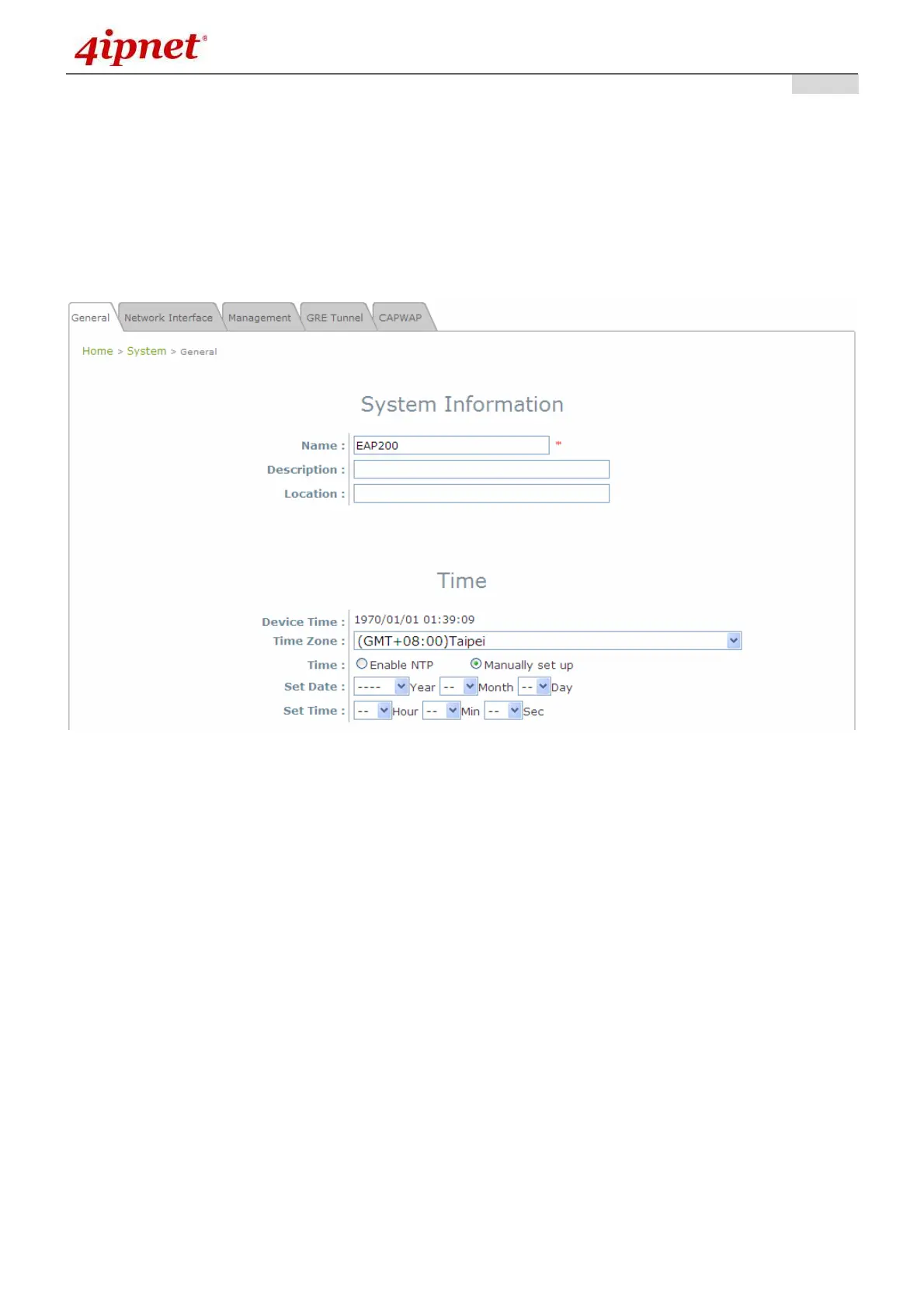
System Information Page
System Information
For maintenance purpose, it is highly recommended to have the following information stated as clearly
as possible:
Name: The system name used to identify this system.
Description: Further information about the system (e.g. device model, firmware version, and
active date).
Location: The information on geographical location of the system for the administrator to locate
the system easily.
Time
Device Time: Display the current time of the system.
Time Zone: Select an appropriate time zone from the drop-down list box.
Time: Synchronize the system time by NTP server or manual setup.



 To Next Page