User’s Manual
User’s ManualUser’s Manual
User’s Manual
EAP200
EAP200EAP200
EAP200 Enterprise Access Point ENGLISH
51
Copyright © 4IPNET, INC.
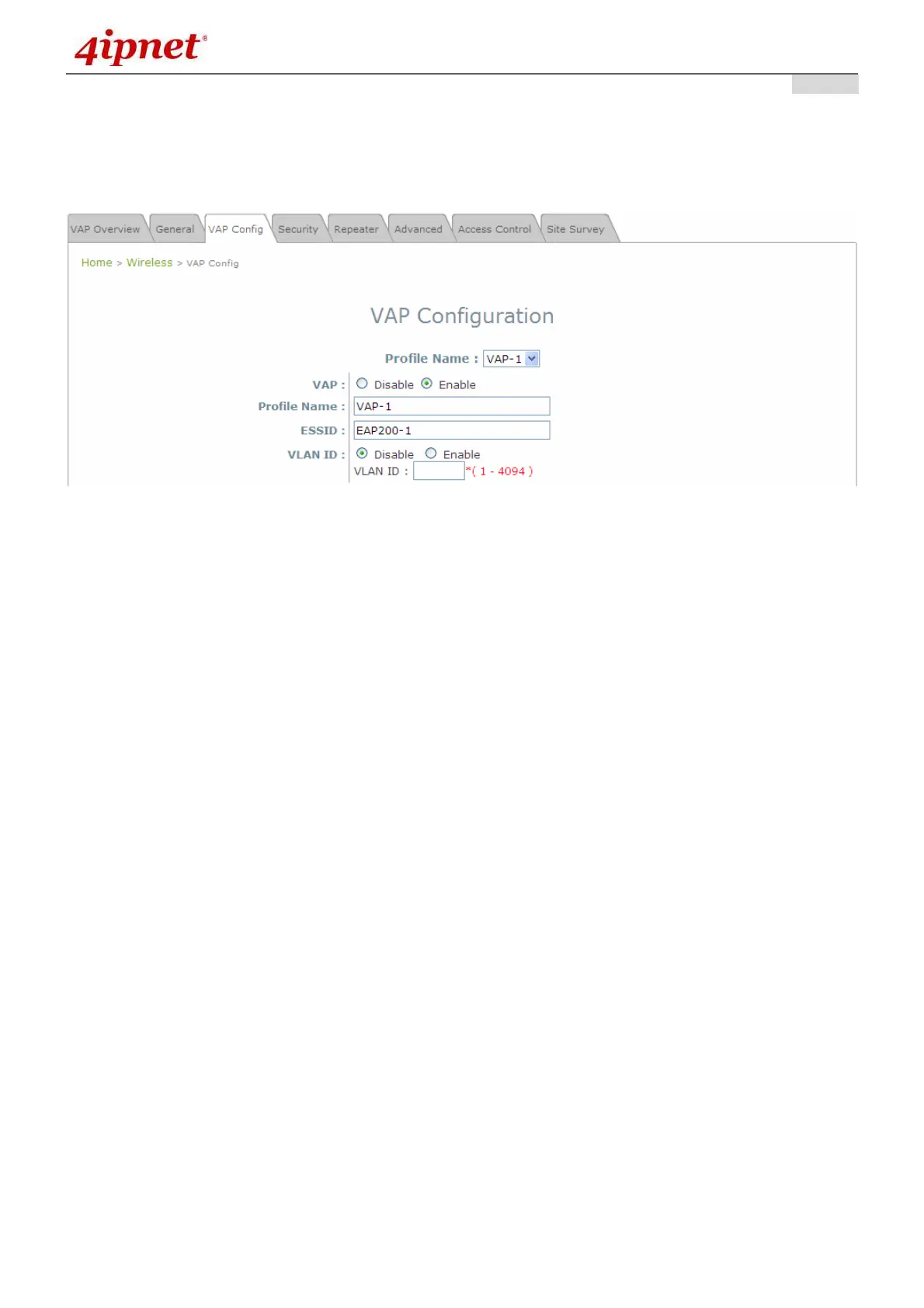
7.2.3 VAP Configuration
This section provides configuration of each Virtual Access Point with settings such as Profile Name,
ESSID, and VLAN ID.
VAP Configuration Page
To enable specific VAP, select the VAP from the drop-down list of Profile Name. The basic settings of
each VAP are collected in the profile as follows:
• VAP: Enable or Disable this VAP.
• Profile Name: The profile name of specific VAP for identity / management purposes.
• ESSID: ESSID (Extended Service Set ID) serves as an identifier for clients to associate with the
specific VAP. It can be coupled with different service level like a variety of wireless security types.
• VLAN ID: EAP200 supports tagged VLANs (virtual LANs). To enable VLAN function, each VAP shall
be given a unique VLAN ID with valid values ranging from 1 to 4094.



 To Next Page