User’s Manual
User’s ManualUser’s Manual
User’s Manual
EAP200
EAP200EAP200
EAP200 Enterprise Access Point ENGLISH
81
Copyright © 4IPNET, INC.
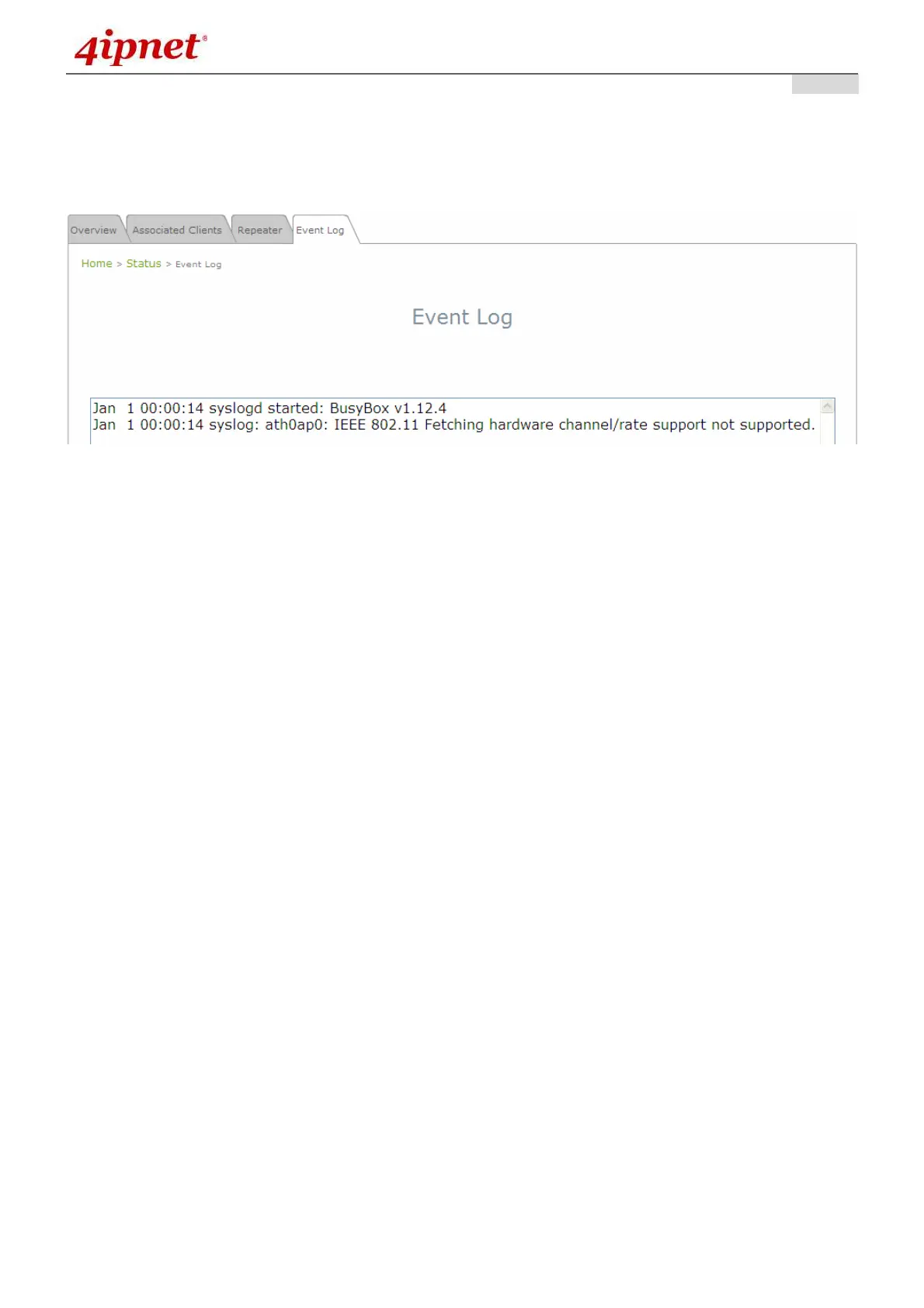
7.5.4 Event Log
The Event Log provides the records of system activities. The administrator can monitor the system status
by checking this log.
Event Log Page
In the log each line represents an event record; in each line, there are 4 fields:
• Date / Time: The time & date when the event happened
• Hostname: Indicates which host recorded this event. Note that all events on this page are local
events, so the hostname in this field is always the same. However, in remote SYSLOG service, this
field will help the administrator identify which event is from this EAP200.
• Process name: Indicate the event generated by the running instance.
• Description: Description of the event.
To save the file locally, click SAVE LOG; to clear all of the records, click CLEAR.



 To Next Page