User’s Manual
User’s ManualUser’s Manual
User’s Manual
EAP200
EAP200EAP200
EAP200 Enterprise Access Point ENGLISH
74
Copyright © 4IPNET, INC.
7.4.3 System Upgrade
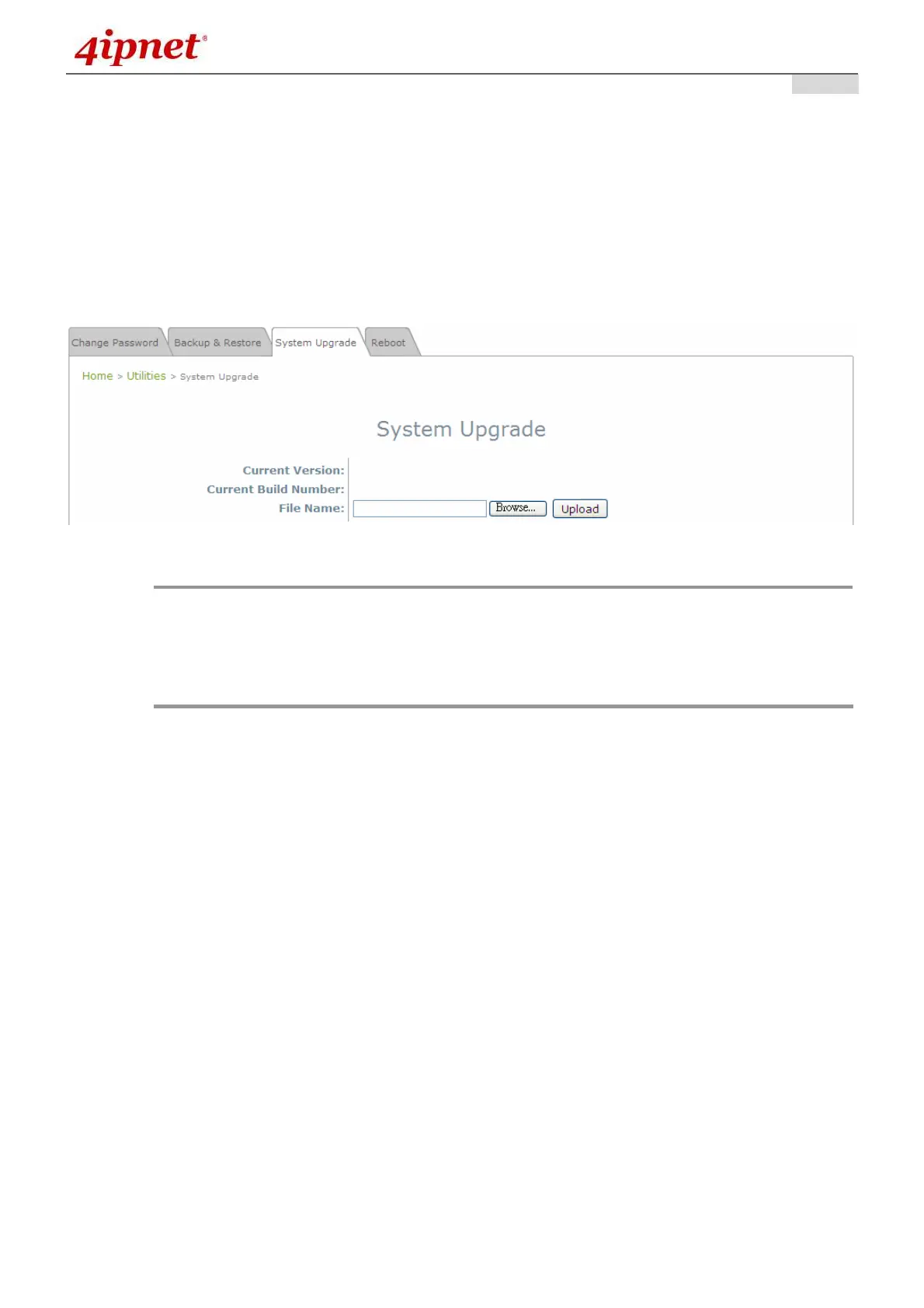
The EAP200 provides a web firmware upload / upgrade feature. The administrator can download the
latest firmware from the website and save it on the administrator’s PC. To upgrade the system firmware,
click Browse to choose the new firmware file you downloaded onto your PC and then click Upload to
execute the process. There will be a prompt confirmation message appearing to notify the administrator to
restart the system after a successful firmware upgrade. Please restart the system after upgrading the
firmware.
System Upgrade Page
Note:
• It is recommended to check the firmware version number before proceeding further.
Please make sure you have the correct firmware file.
• Firmware upgrade may sometimes result in the loss of some data. Please ensure that all
necessary settings are written down before upgrading the firmware.
• During firmware upgrade, please do not turn off the power. This may permanently
damage the system.



 To Next Page